
Filters
8 products
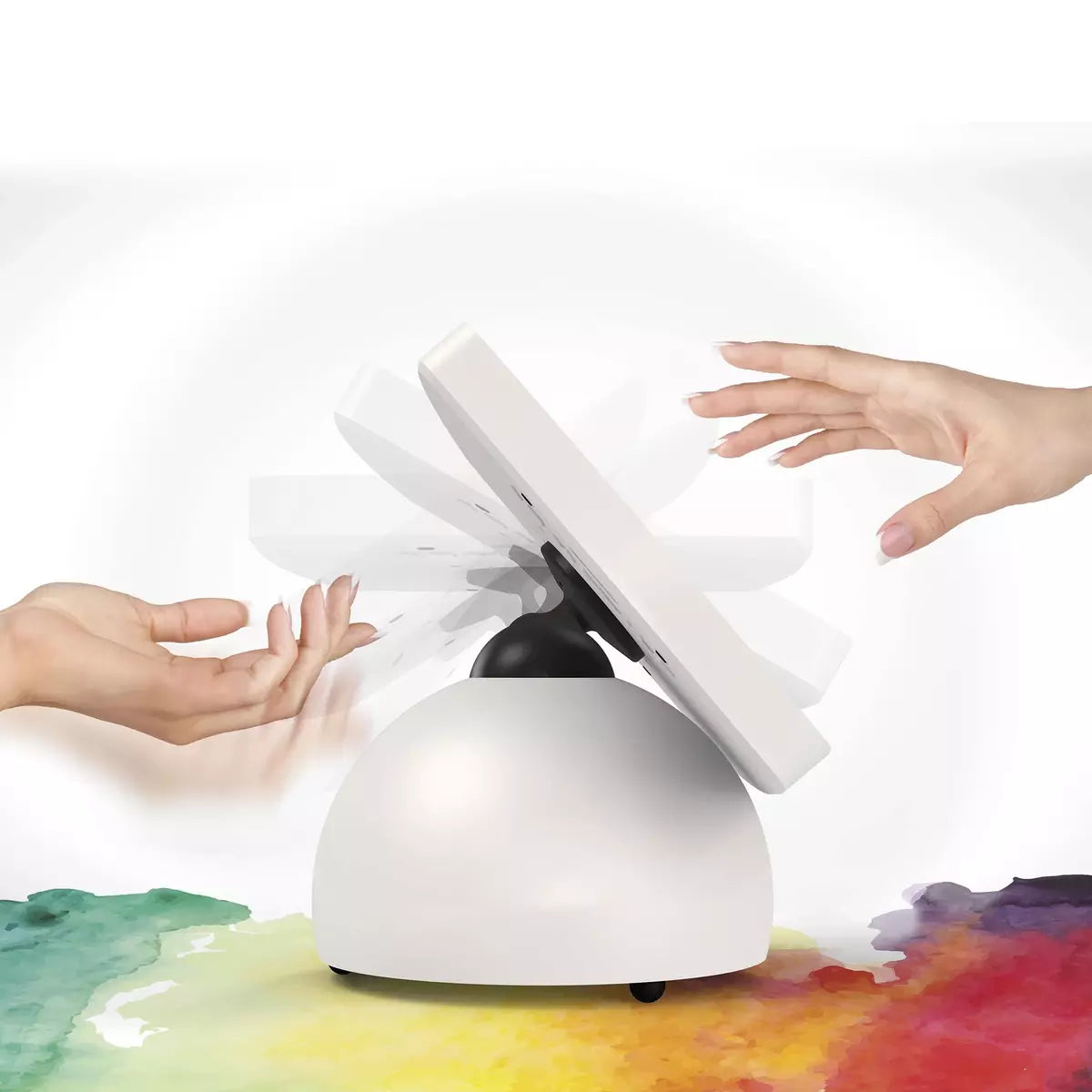
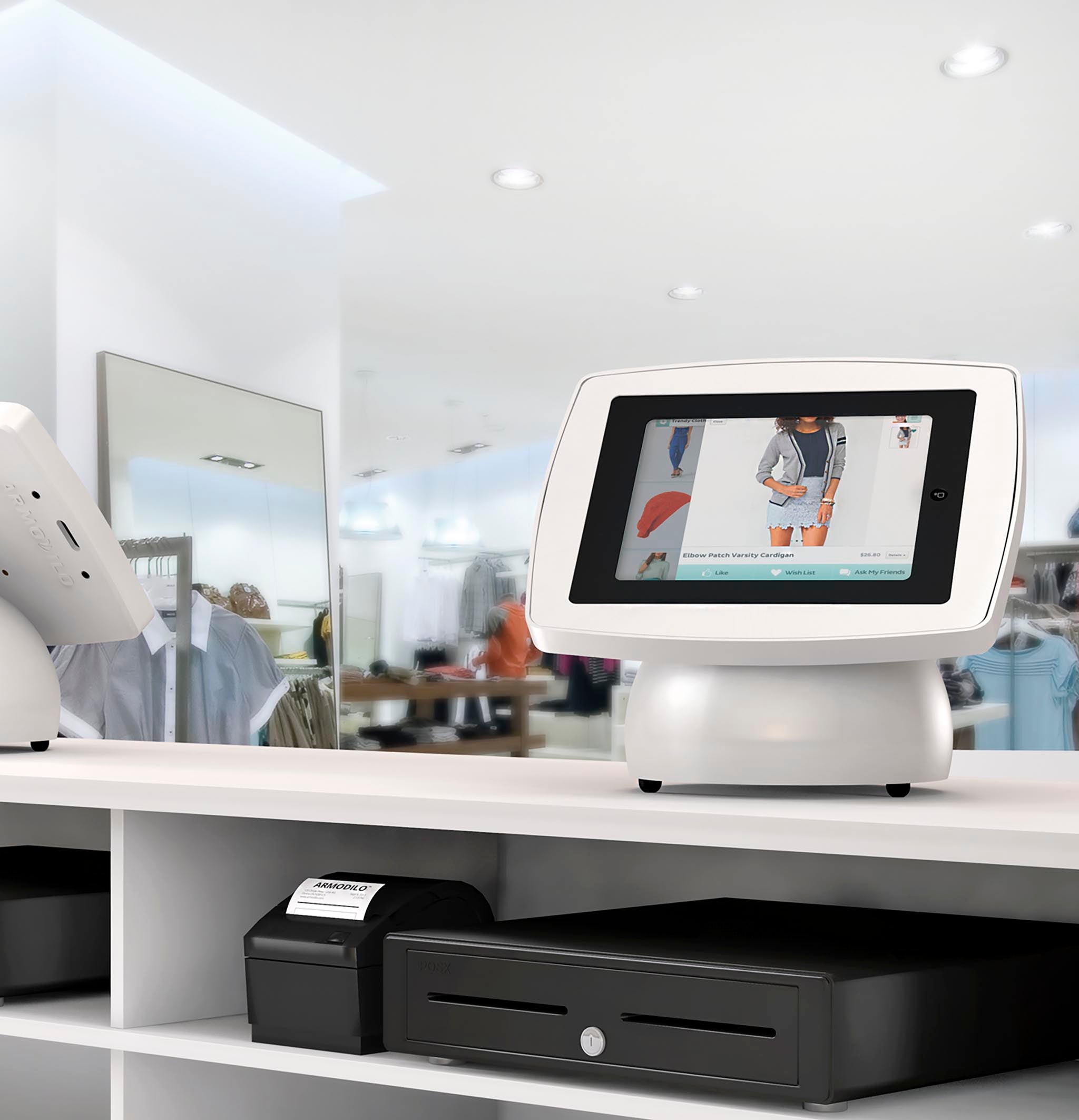
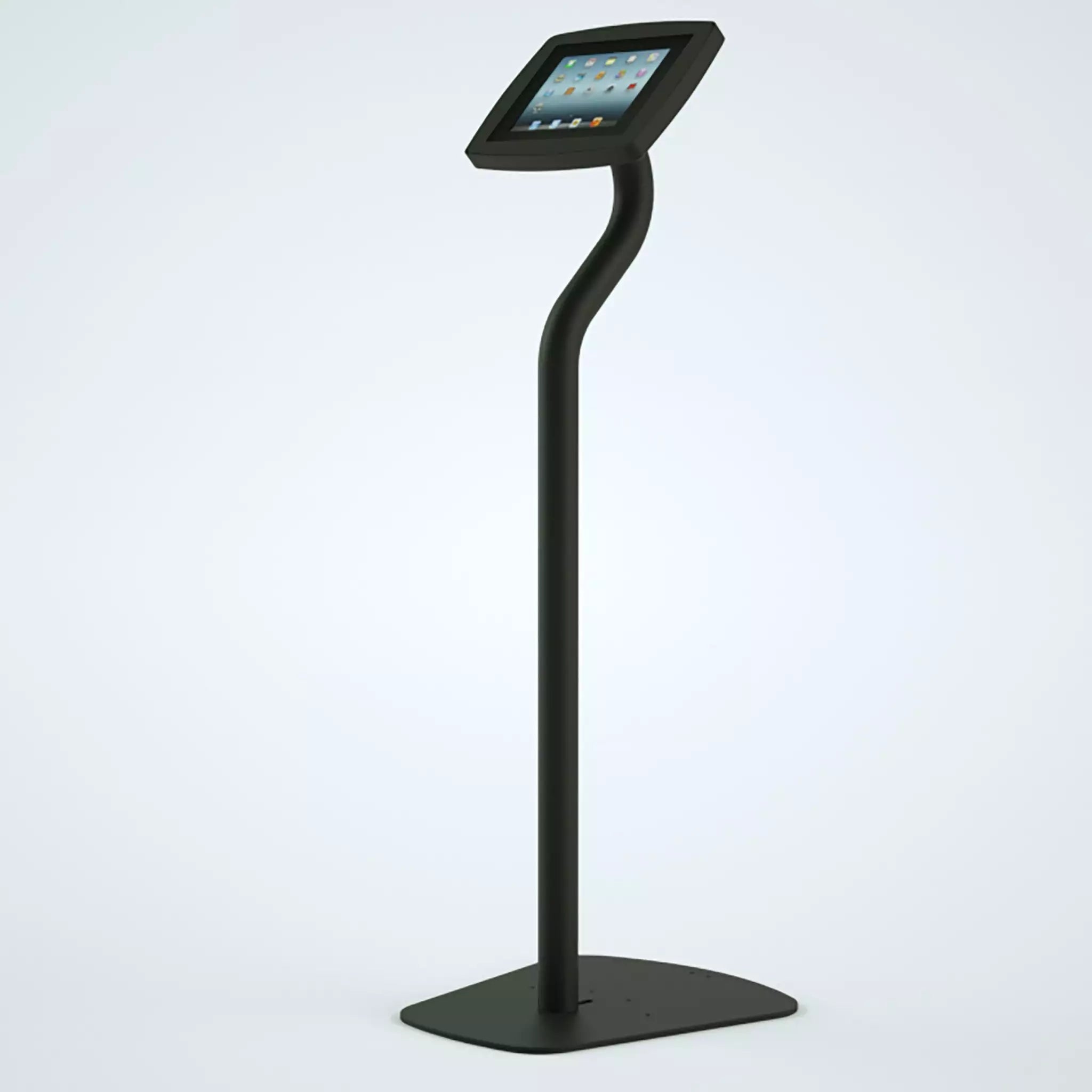
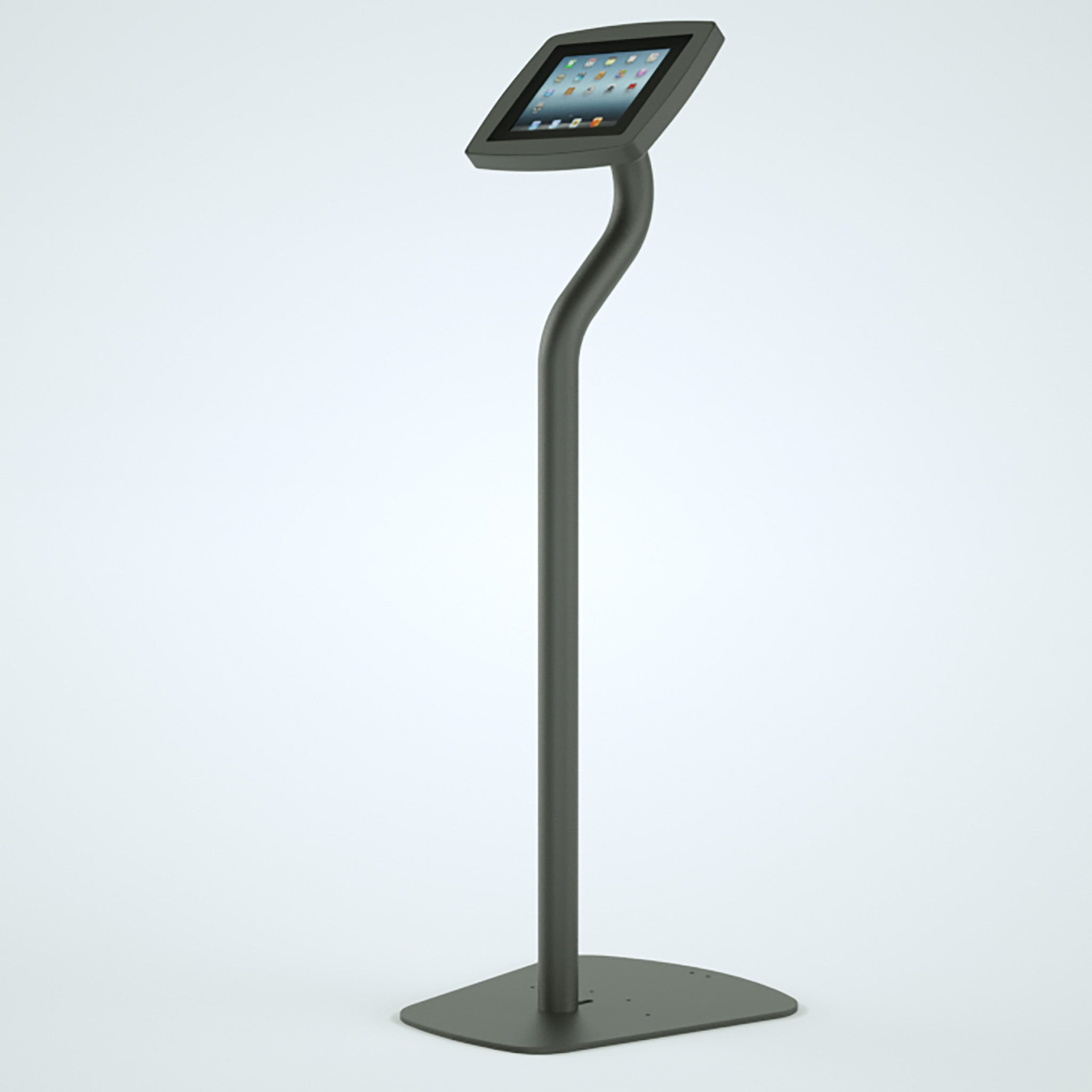
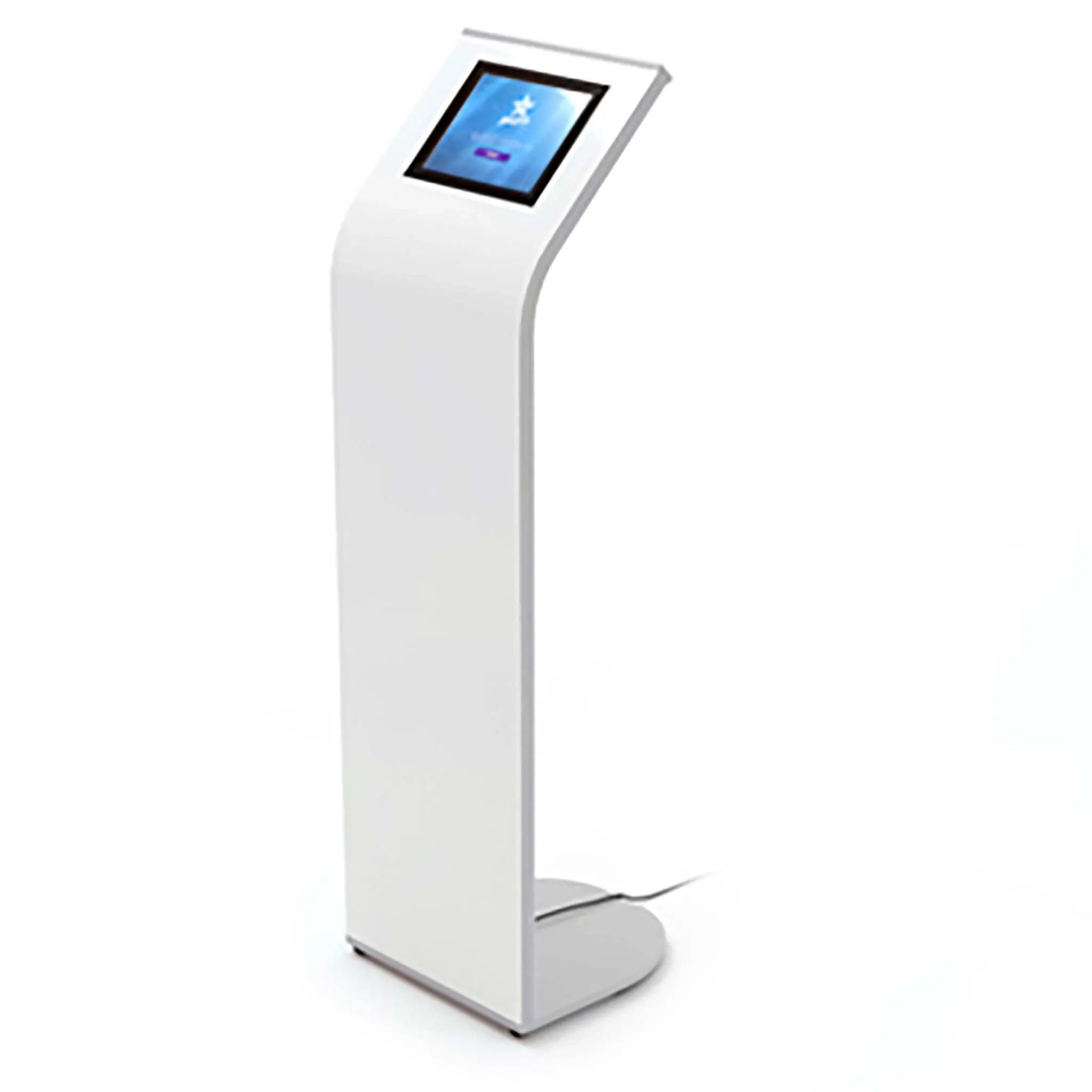
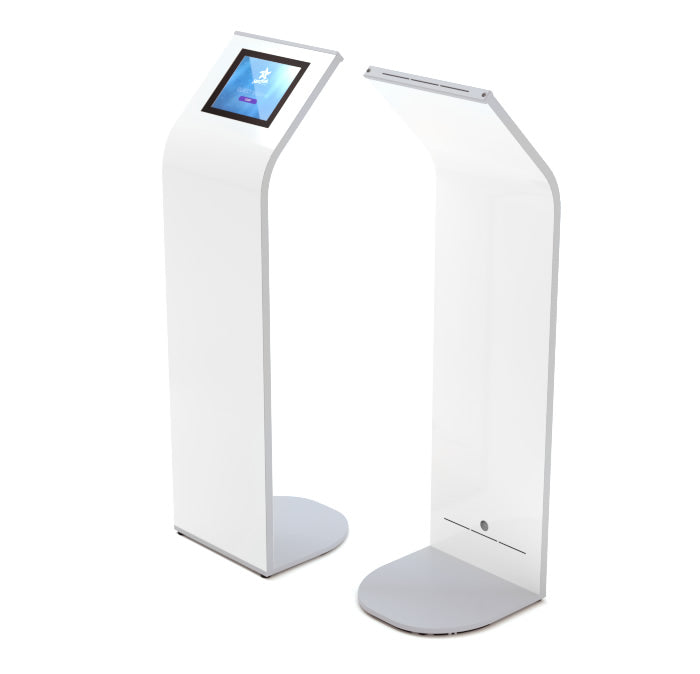
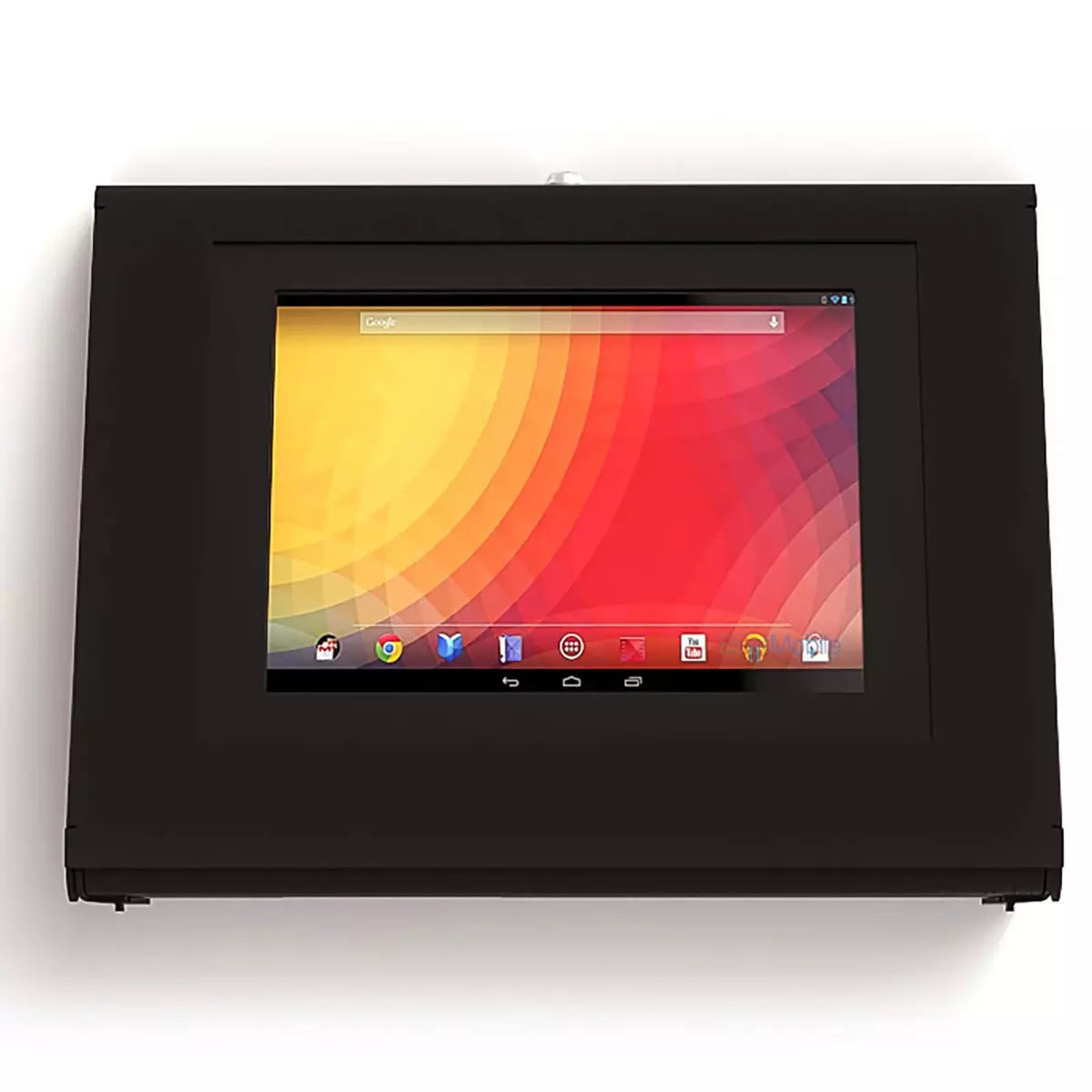
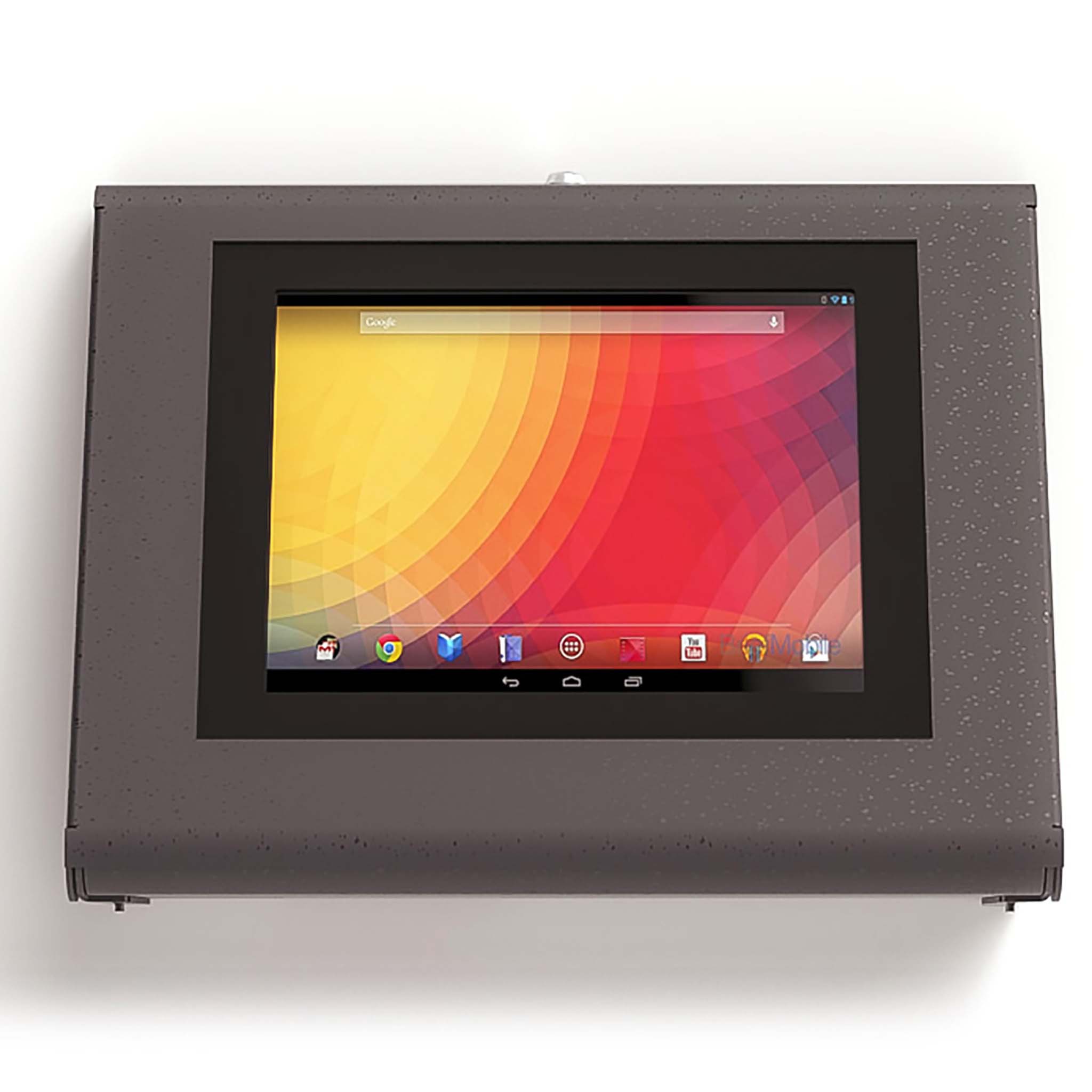
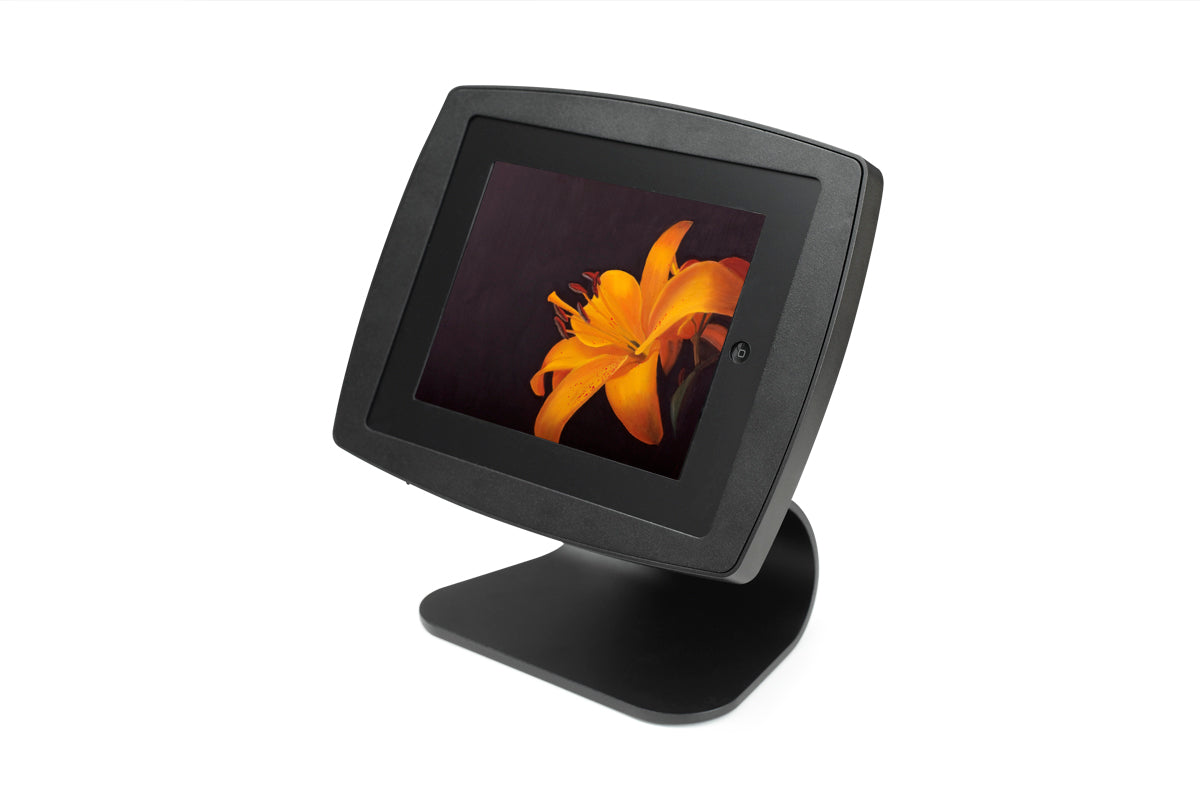
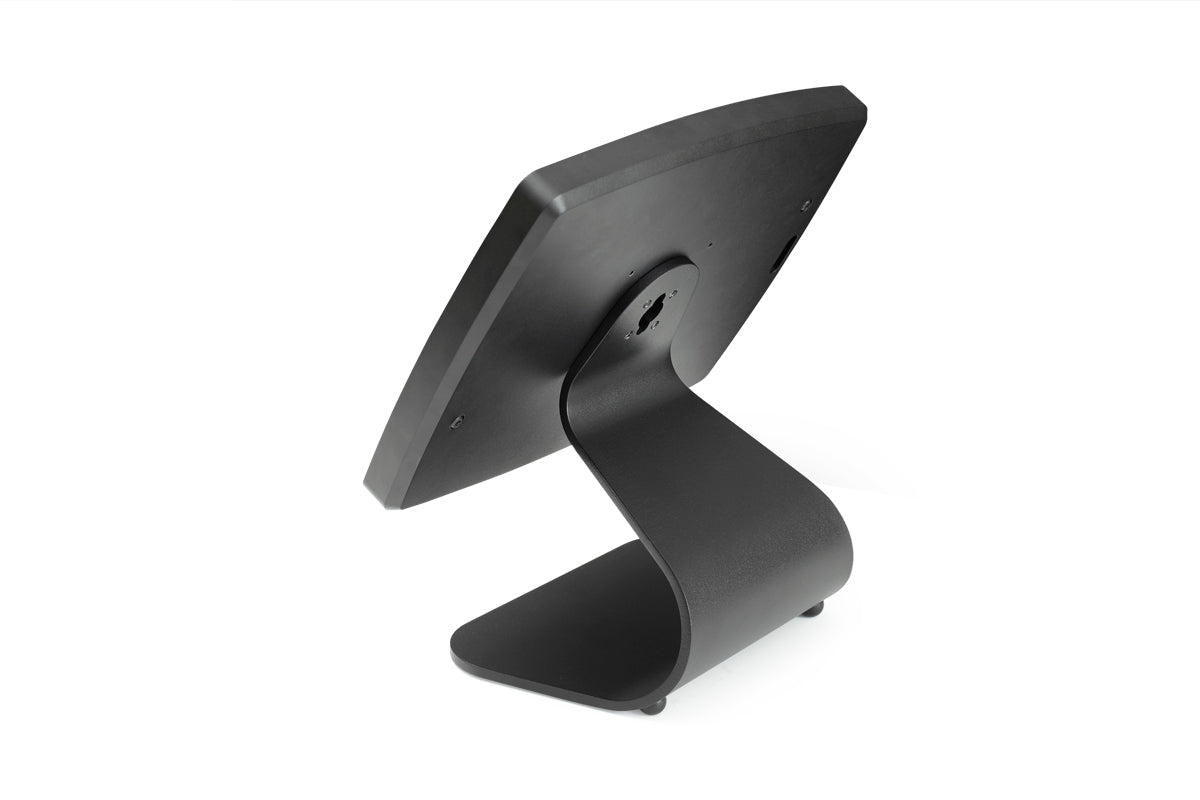
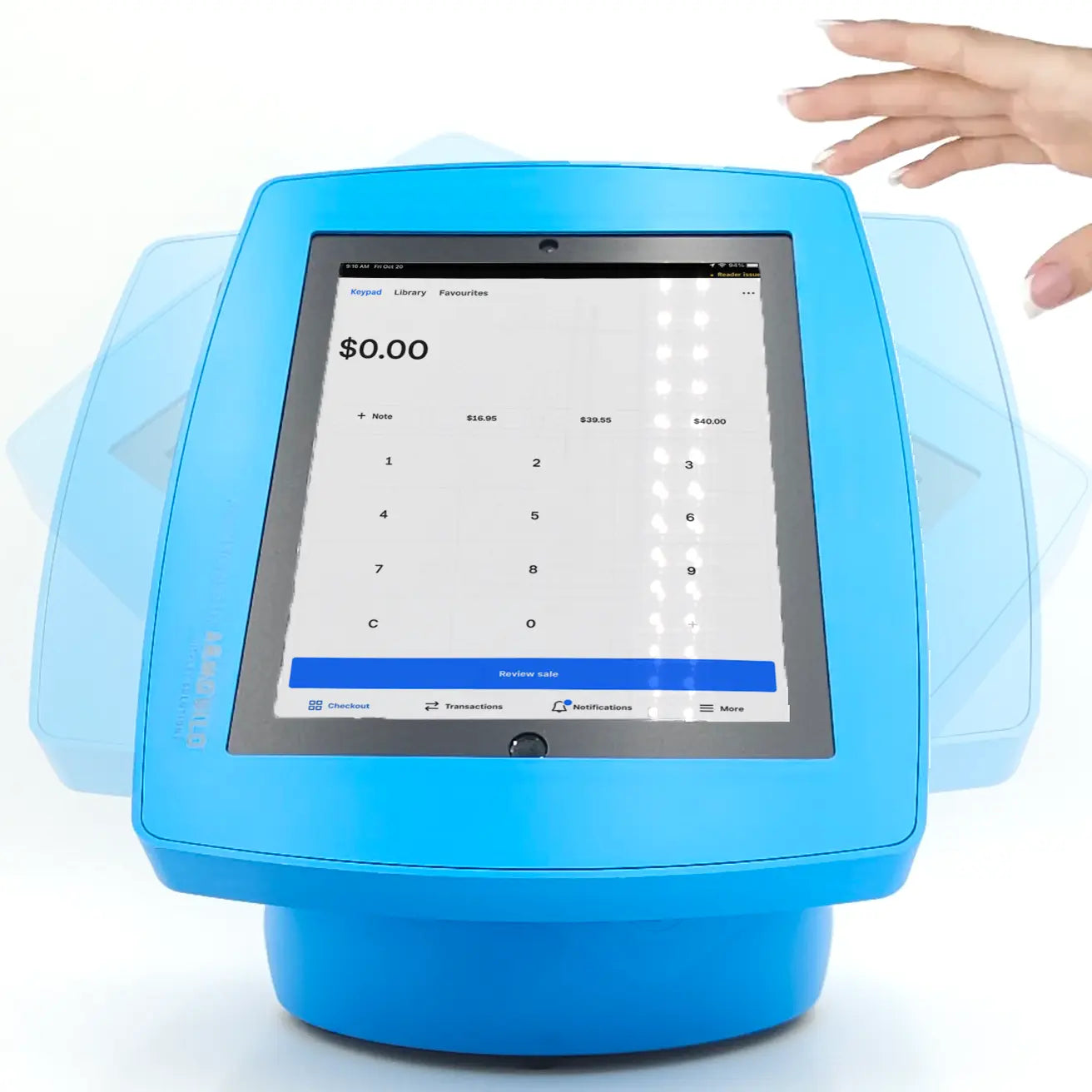
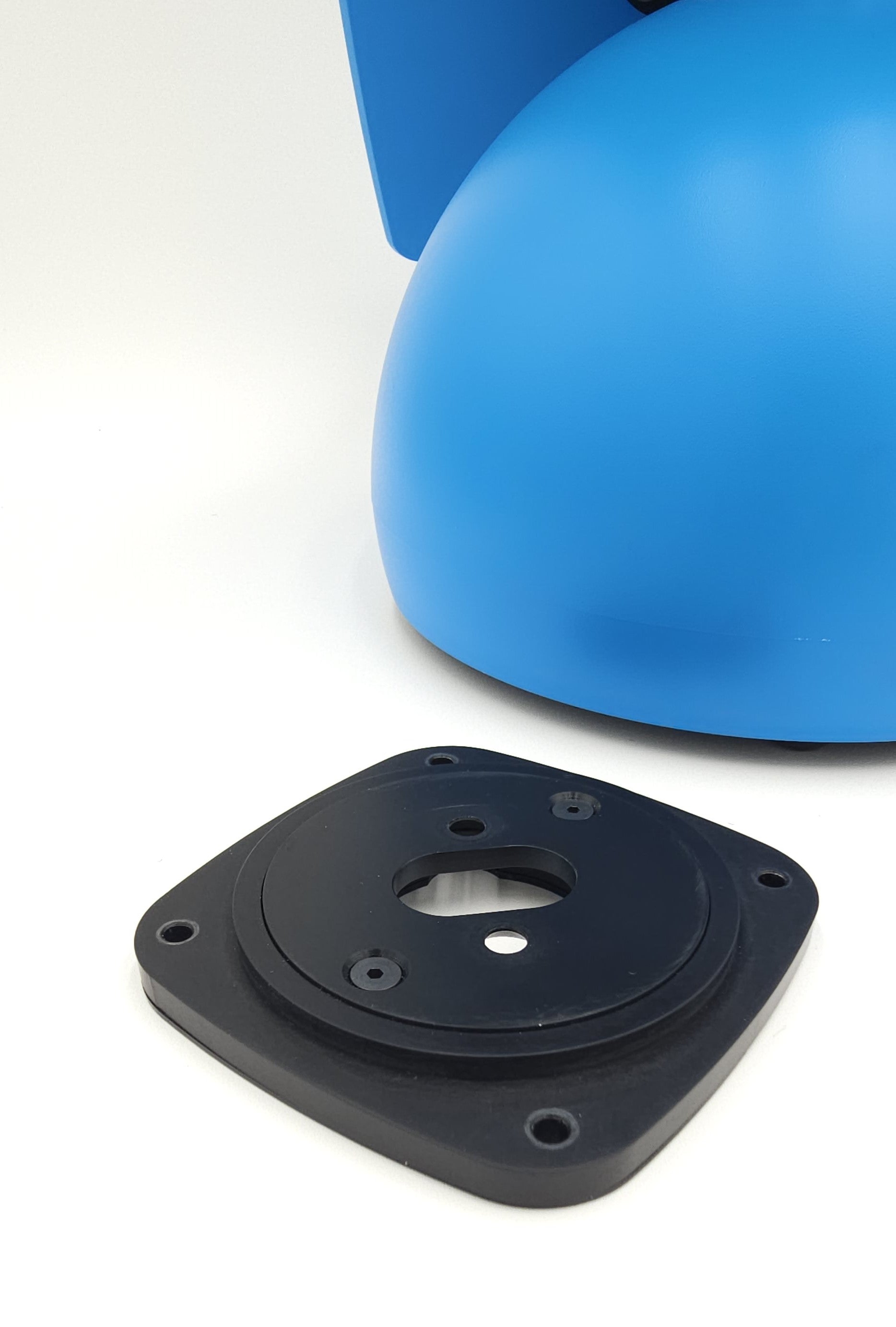
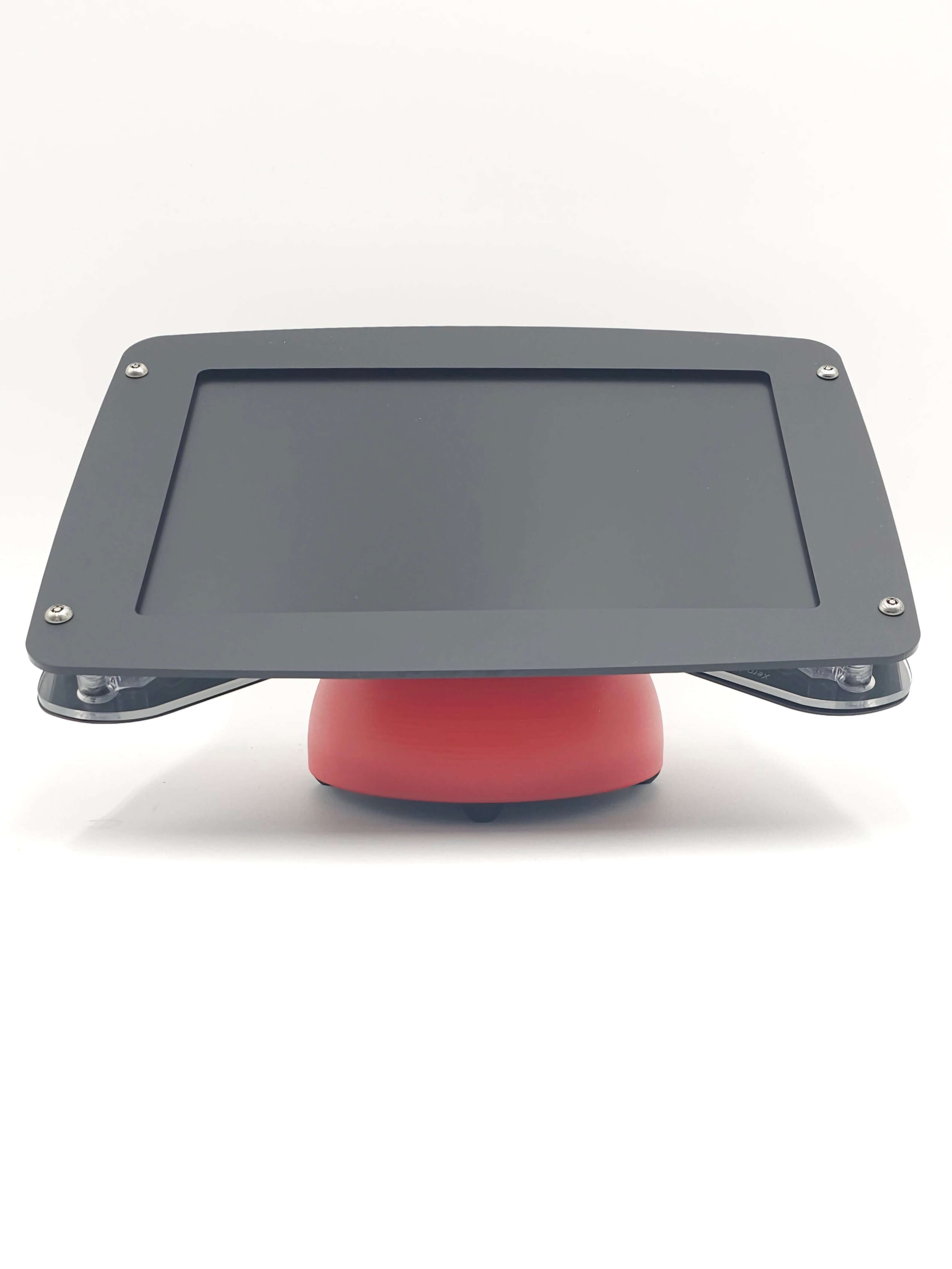
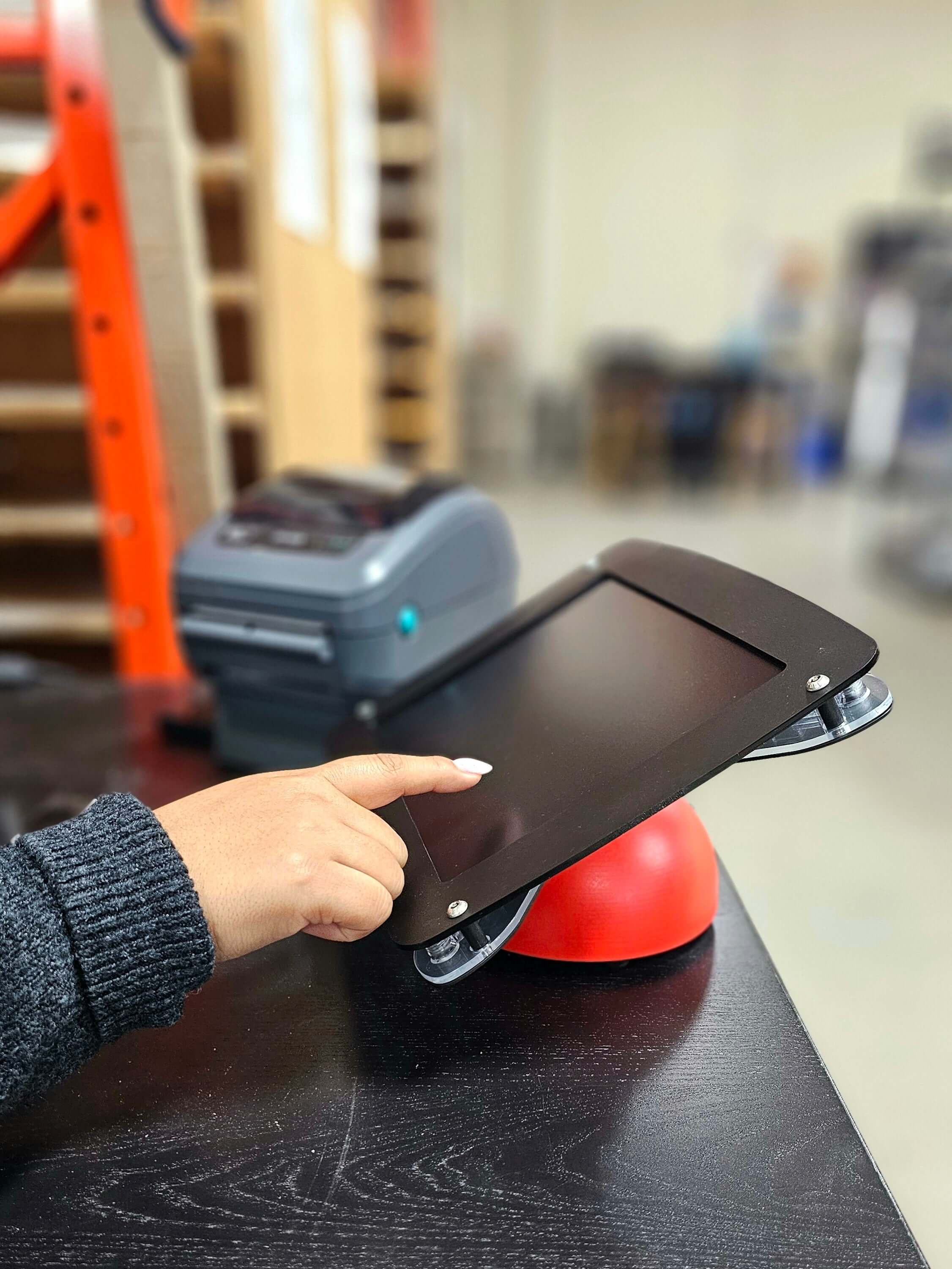
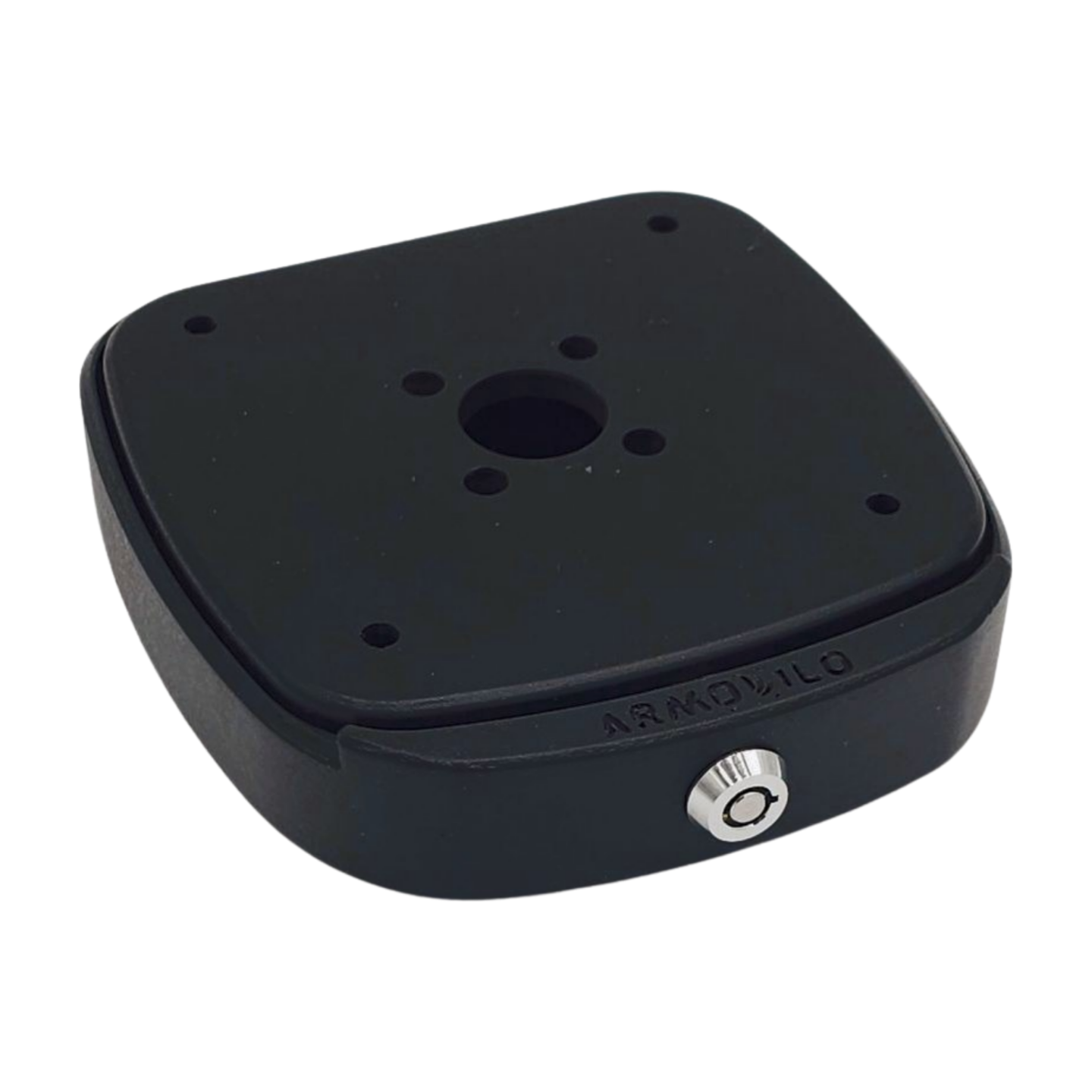
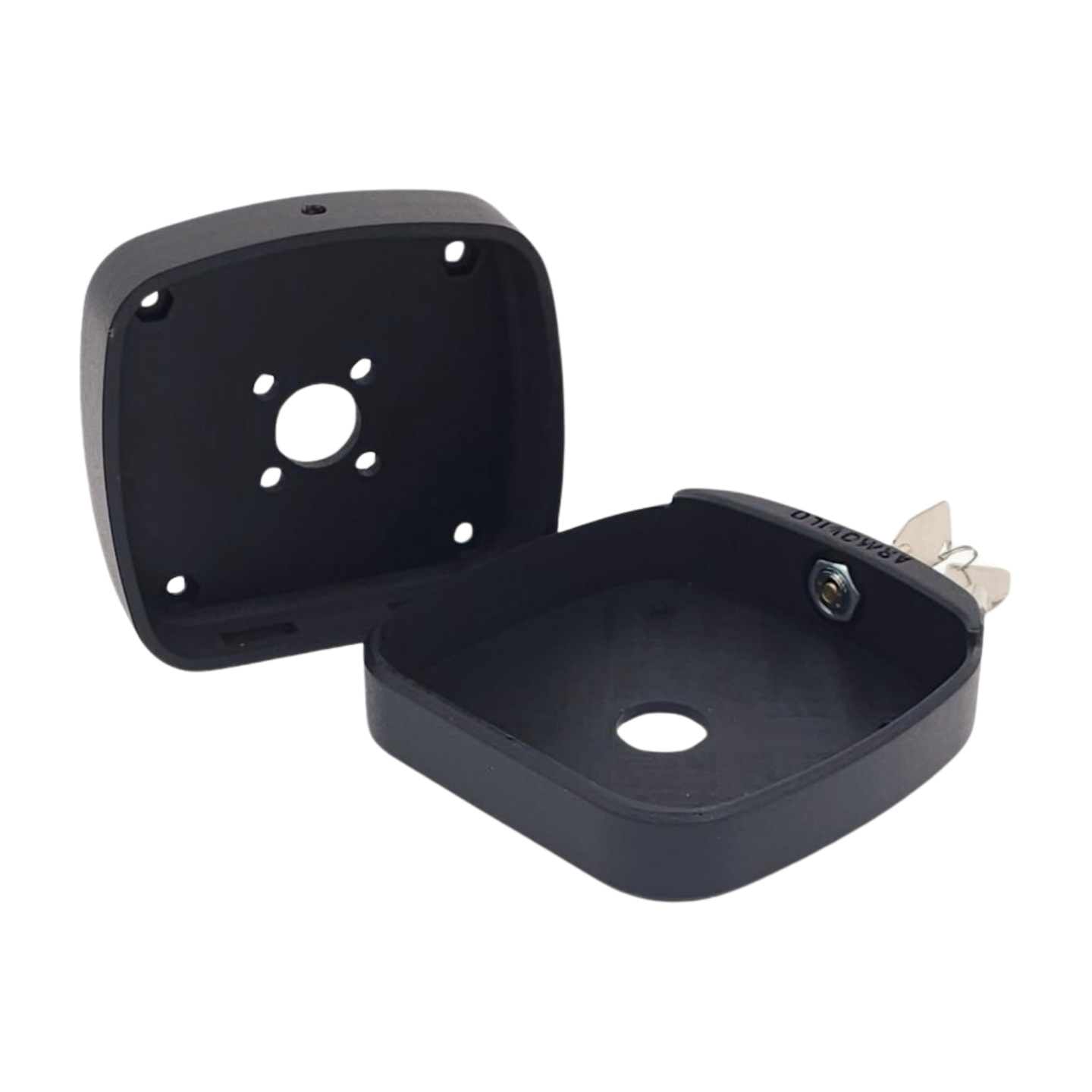

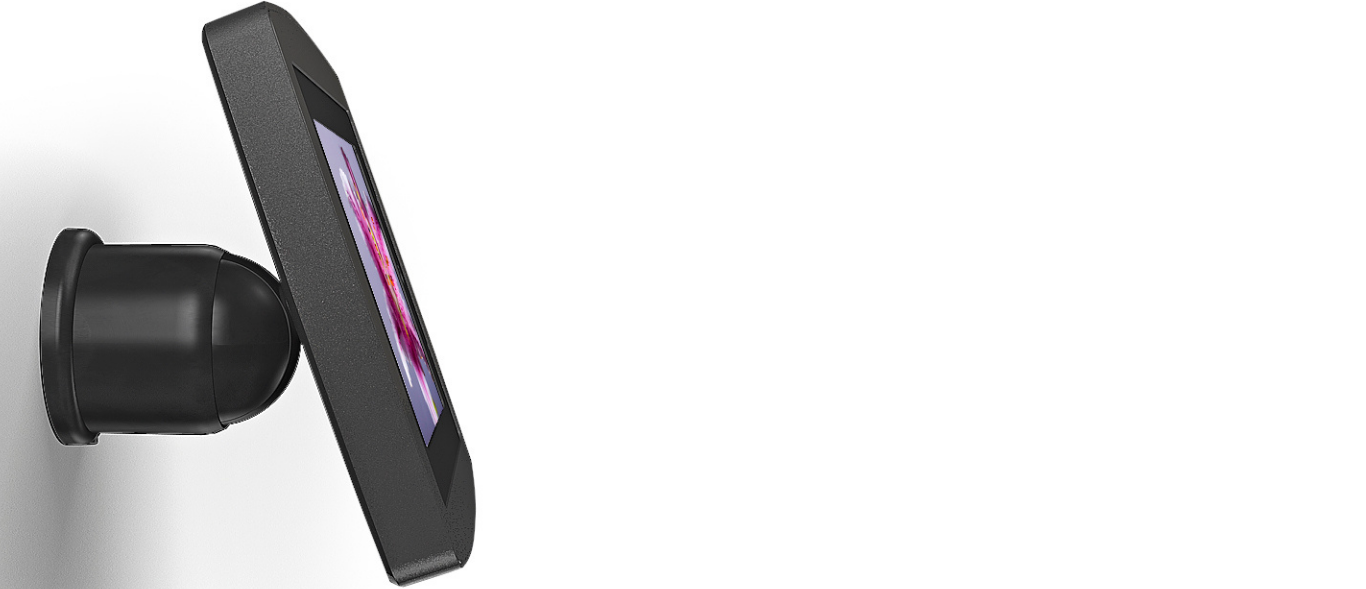
Armodilo’s best-selling tablet stands and kiosks are designed to support secure, professional, and reliable tablet deployments in business environments. These most-popular models are trusted by organizations for customer check-in, point-of-sale (POS), digital signage, self-service, and interactive displays in both attended and unattended settings.
Each tablet stand and kiosk is built with a focus on security, durability, and flexibility. Features commonly include lockable enclosures, clean cable management, integrated power routing, and compatibility with iPad, Android, and Windows tablets. Many best-selling models also support multiple mounting options, including floor mounts, countertop stands, wall mounts, and freestanding kiosks.
One of the key advantages of Armodilo’s best-selling solutions is future-proof compatibility. With modular Tablet Fit Kits, businesses can upgrade to new tablet models without replacing the entire stand or kiosk—helping reduce long-term costs and simplify IT management.
These best-selling tablet kiosks are ideal for businesses looking to improve customer experience, streamline operations, and maintain a clean, professional installation. Whether you need a secure kiosk for public use or a sleek tablet stand for customer engagement, this collection represents the most proven and widely deployed solutions in our lineup.
FAQ
Choosing the right tablet kiosk involves more than selecting a stand. Organizations often have questions about compatibility, durability, kiosk mode, operating systems, and how to future-proof their hardware as tablets evolve. We’ve collected the most common questions asked by Canadian businesses searching for tablet kiosks, POS hardware, and secure enclosure solutions.
This FAQ section provides straightforward, experience-driven answers based on more than a decade of designing and manufacturing premium tablet kiosks in Canada. Whether you’re deploying a single check-in station or standardizing hardware across multiple locations, these insights will help you understand what to look for—and why so many organizations choose Armodilo for long-term reliability, modularity, and support.
What is the best tablet for a POS system?
The best tablet for a POS system depends on the software you run, the accessories you need, and the environment you’re in. For most POS platforms used in Canada, the iPad Pro and iPad Air are the most common choices due to stability and long-term OS support. Android models such as the Samsung Galaxy Tab S7/S9 also perform well in retail—and both are fully compatible with Armodilo enclosures.
What matters most is pairing the right tablet with the right secure, stable stand so the device stays protected, accessible, and aligned with your brand experience. That’s where Armodilo’s hardware comes in.
Do Samsung tablets have a kiosk mode?
Most Samsung tablets include “Samsung Knox” or “Pin Window” features that lock the device to a single application—commonly used for check-in, POS, self-service, or display applications. Armodilo kiosks are engineered to work with all major Android kiosk-mode environments, ensuring the tablet stays secure, tamper-resistant, and stable during use.
Your tablet handles the software lock.
Armodilo handles the physical security and presentation layer.
What is the difference between a kiosk and a regular tablet?
A tablet is just the device.
A kiosk is the complete system around it—secure enclosure, stable stand, cable routing, branding options, ADA height considerations, and the durability needed for public environments.
Armodilo kiosks transform a tablet into a purpose-built, long-lasting business tool, ready for:
- Check-in stations
- Self-service POS
- Visitor management
- Digital signage
- Wayfinding
Without the proper enclosure and mounting solution, a tablet remains fragile, easy to tamper with, and inconsistent with brand standards.
How do you turn your tablet into a kiosk?
From a hardware perspective, turning a tablet into a kiosk requires:
- A secure enclosure to prevent tampering
- Proper cable management
- A stable, weighted, or wall-mounted stand
- Alignment with your customer interaction flow
- Clean presentation that reflects your brand
Armodilo covers the entire physical side of that setup.
Your software provider handles kiosk-mode configuration, but we ensure your hardware is secure, elegant, and compliant.
What operating systems work best for tablet kiosks?
Armodilo supports iOS, Android, and Windows tablets, and our enclosures are built to accommodate multiple generations and screen sizes.
The best OS depends on:
- The software you are running (POS, check-in, etc.)
- Your IT policies
- Lifecycle cost
- Accessory integration (scanners, card readers, printers)
Our Tablet Fit Kits ensure a precise fit for most modern devices, regardless of OS.
What are the advantages of using a tablet kiosk?
Organizations adopt tablet kiosks because they deliver:
- Faster customer interactions
- Reduced labour cost
- Line-busting and self-service options
- Better branding and consistency
- A smaller footprint than traditional kiosk terminals
- Lower hardware and maintenance costs
Armodilo kiosks take these advantages further by adding durability, modularity, and premium presentation.
What are the different types of kiosks?
Within tablet-based self-service solutions, the most common formats include:
- Free-standing kiosks for lobbies and retail spaces
- Countertop kiosks for POS, check-in, and registration
- Wall-mount kiosks for space-constrained environments
- Angled display kiosks for interactive galleries and exhibits
- Portable exhibition kiosks for trade shows and events
Armodilo manufactures all of these in modular formats with interchangeable faceplates and Fit Kits, so organizations can standardize across locations.
How long do tablet kiosks last?
The lifespan of a tablet kiosk varies dramatically based on build quality. Most low-cost stands on the market last three to five years at best. They rely on thin metals, plastic locking systems, and non-modular designs that wear quickly in public environments. Once the tablet changes size—or the hinges loosen—you’re forced to replace the entire unit.
Armodilo kiosks are built differently.
We engineer our enclosures using commercial-grade materials, precision-fit components, and manufacturing standards that allow them to withstand continuous public use. Every Armodilo enclosure is backed by a lifetime warranty, and our modular Tablet Fit Kits ensure you can update or replace tablets without replacing the kiosk itself.
The result is a longer service life, a lower cost of ownership, and hardware that performs as well in year ten as it did on day one.
Are kiosks worth it for business?
Yes—especially in environments where speed, consistency, and customer flow matter.
Tablet kiosks reduce bottlenecks, streamline check-in, and support self-service experiences that customers now expect.
Armodilo kiosks amplify this value with hardware that is:
- Secure
- Brandable
- Durable
- Designed for continuous public use
If you’re running visitor management, POS, ticketing, registration, or digital signage, a kiosk can pay for itself quickly through labour savings and improved engagement.