
Filters
3 products

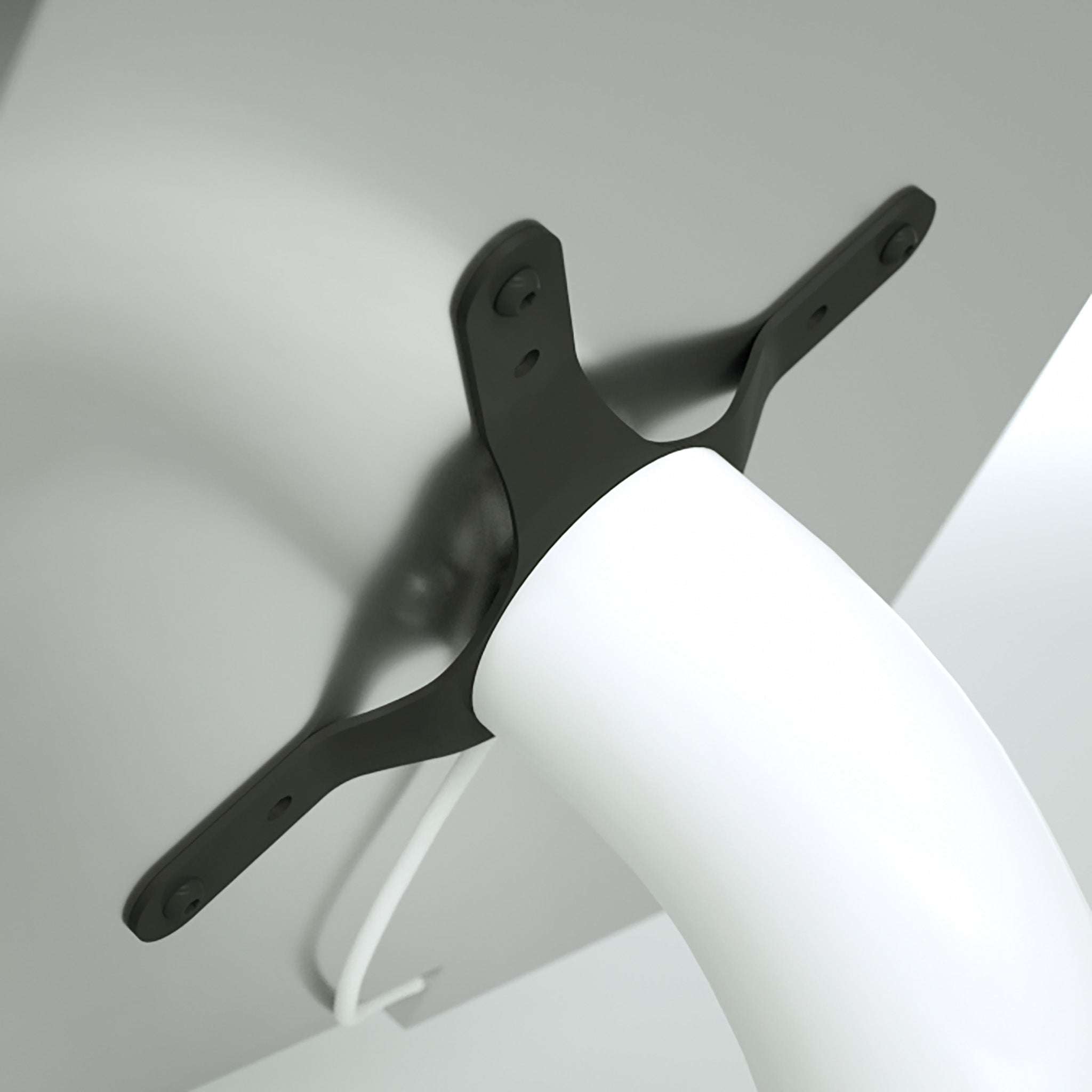
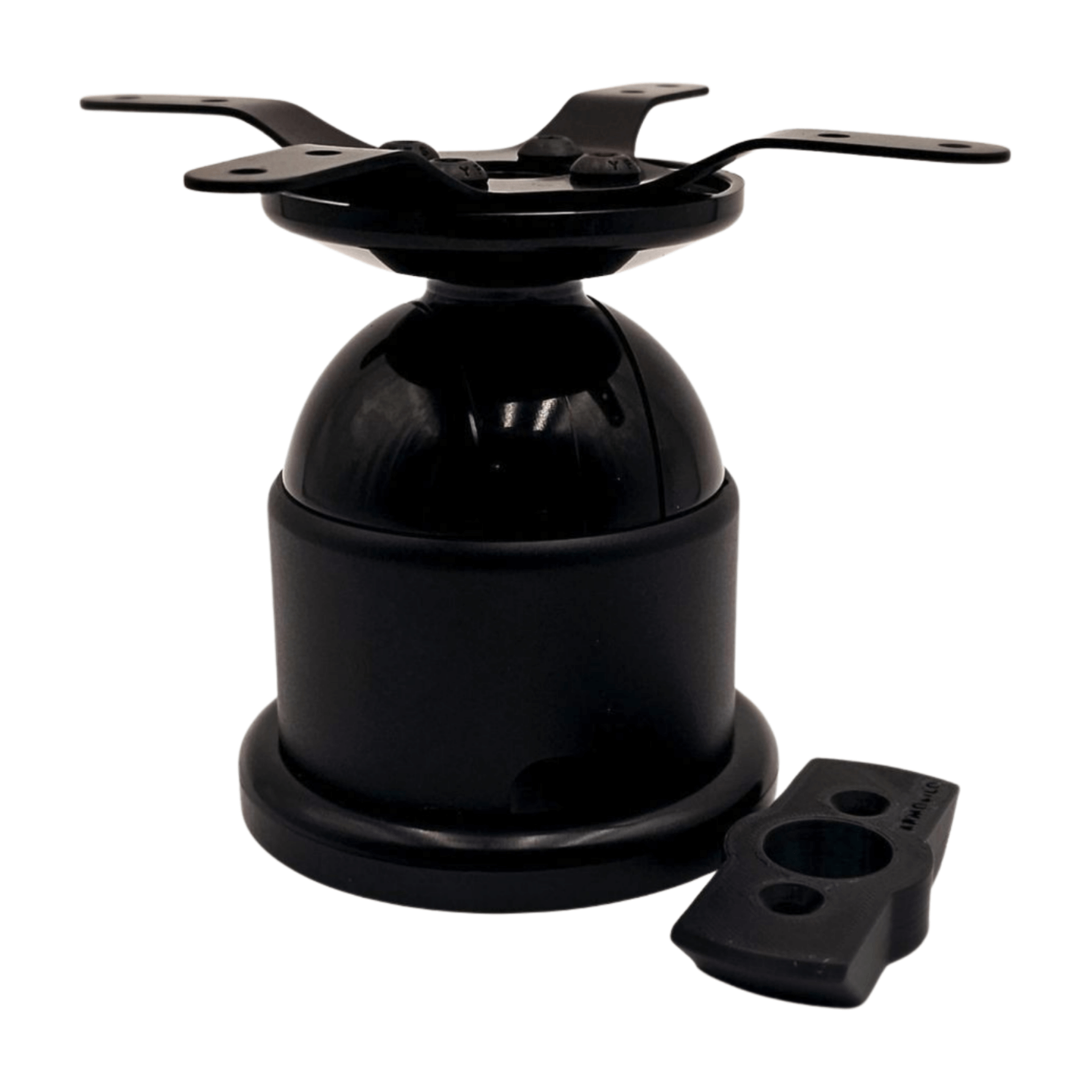
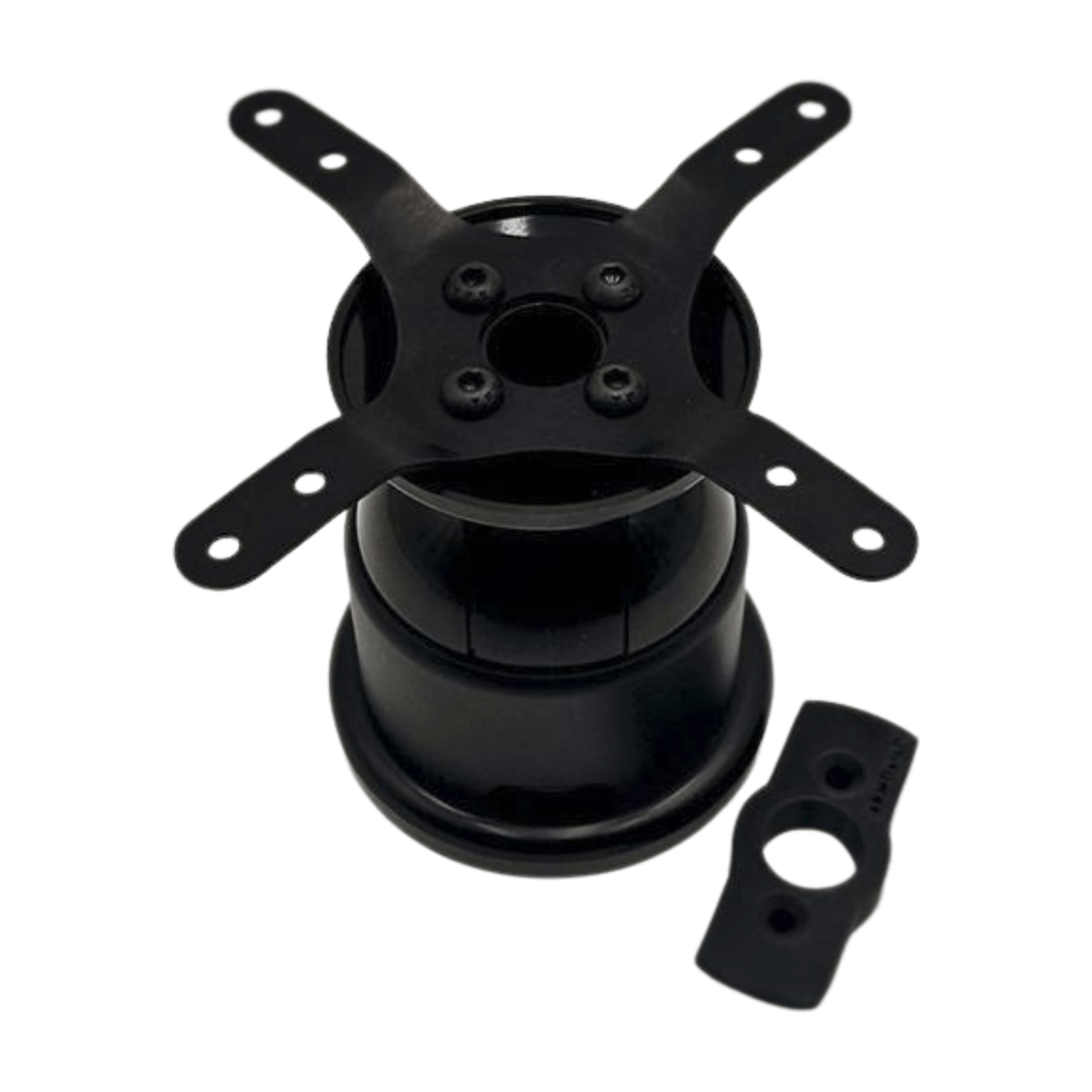
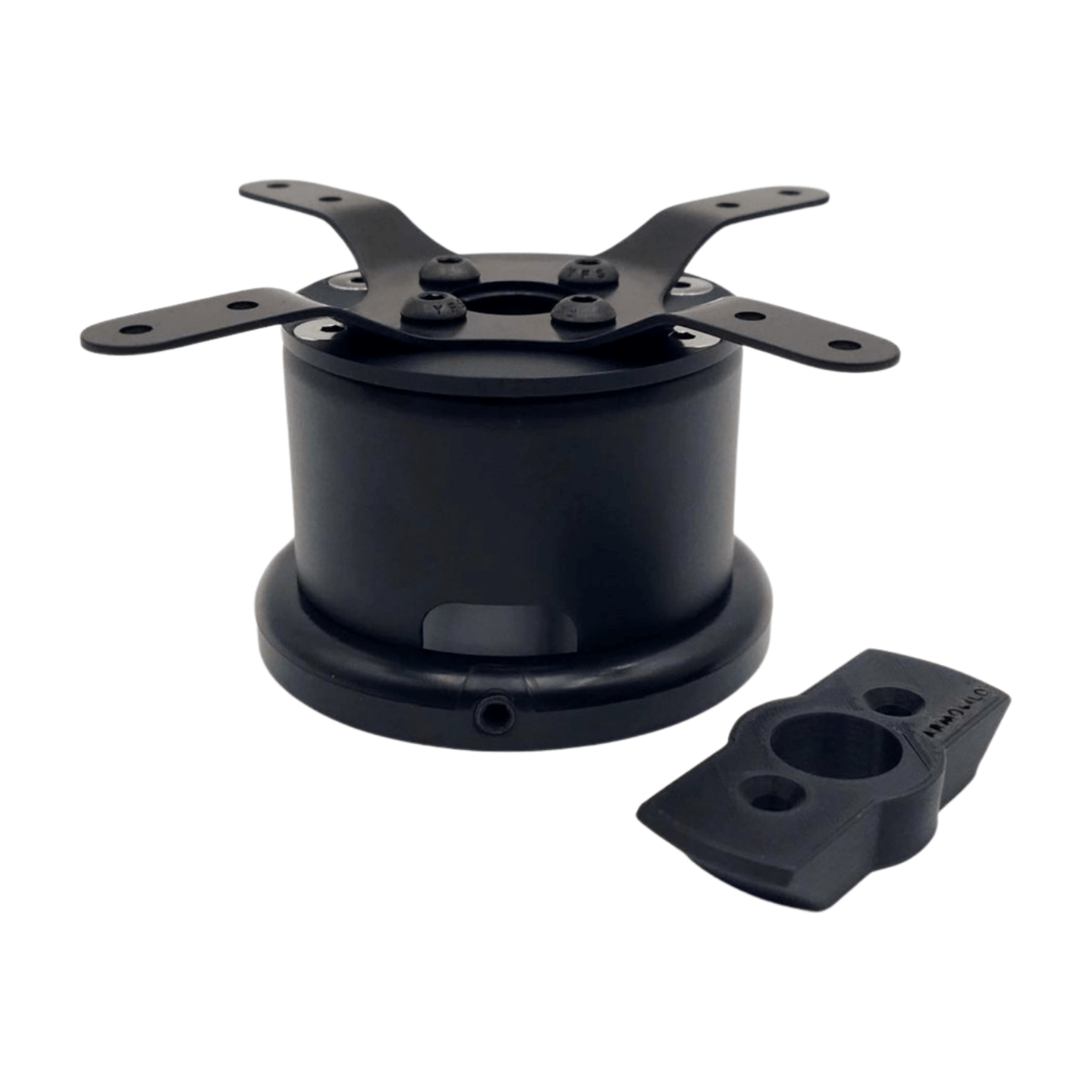
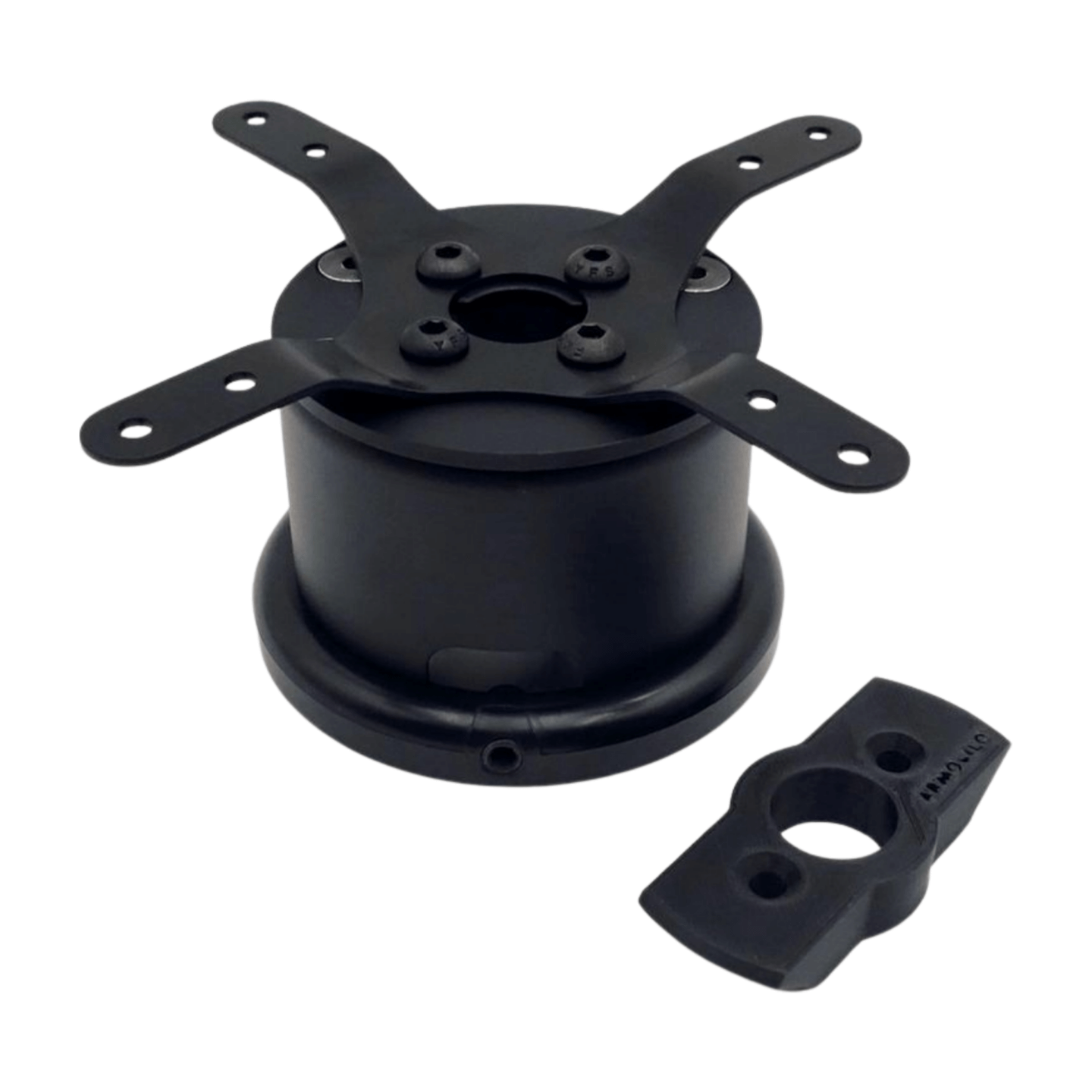
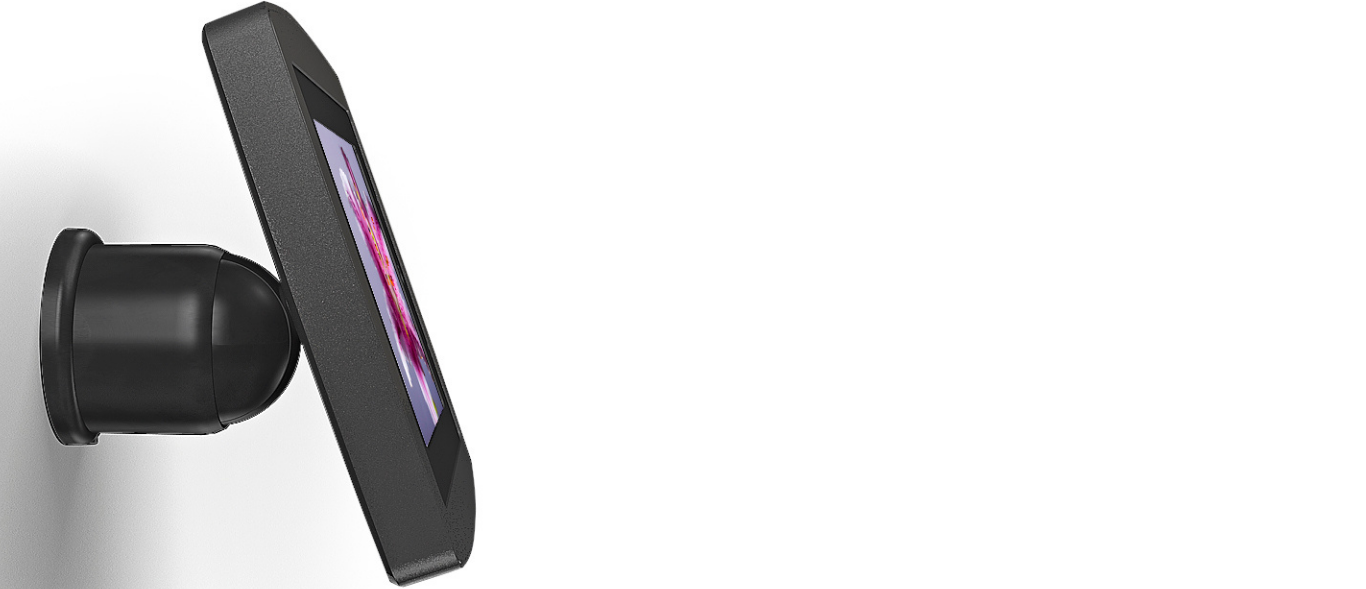
Armodilo’s Flex Line Monitor Mounts are designed to deliver a clean, secure, and adaptable display solution for professional environments. Built with durable materials and compatible with standard 75 mm and 100 mm VESA patterns, Flex Line supports a wide range of monitors and tablets for consistent, reliable installations. With options for wall, table, and freestanding setups, these mounts easily adapt to different space requirements while maintaining a streamlined, modern appearance. Integrated cable management and optional tilt adjustment ensure a polished look and optimized viewing angles for both staff and end users.
FAQ
Is wall mounting a monitor a good idea?
Yes — if you want a clean, space‑efficient and professional display setup, wall mounting can be an excellent choice. Armodilo’s Flex Line mounts (e.g. FlexWall, FlexTilt) support secure wall mounting while providing a sleek, uncluttered look. Wall‑mounted monitors are ideal for lobbies, retail environments, reception desks, display screens, signage, or informational stations — especially where floor or desk space is limited.
How to tell if a monitor is compatible with a stand?
To confirm compatibility with a Flex Line mount, check for the following:
- VESA mounting standard: The monitor must support a 75 mm or 100 mm VESA mounting pattern — these are the formats Flex Line mounts are designed for.
- Weight limit: Ensure the monitor’s weight is within the mount’s supported range. Flex Line products typically support standard monitor sizes and weights compatible with those VESA patterns.
- Flat back with mounting holes: There should be a flat area on the back of the monitor with four mounting holes (in a square/rectangular pattern) to match the VESA mount plate. If the monitor lacks VESA holes, a standard mount likely won’t work.
If your monitor meets these criteria, it should work with a Flex Line stand or mount.
Is a height adjustable monitor worth it?
Yes — adjustable mounts offer significant ergonomic and practical advantages. With Flex Line mounts like FlexTilt, you can tilt or mount the display to suit viewing angle, user comfort, and workflow needs. This is especially valuable in customer-facing kiosks, public displays, trade show booths, or multi-user environments, where different users or tasks may require different screen positions.
How do you know if your monitor is compatible with a mount?
Check the following:
- Look at the back of your monitor for a 75 mm or 100 mm VESA hole pattern.
- Verify the monitor’s weight — it must fall within the mount’s supported load capacity.
- Ensure the monitor’s thickness and design allow the mount’s plate and screws to sit flush — some ultra‑slim monitors or those with irregular backs may not mount cleanly.
- Confirm the monitor does not exceed the recommended screen size or weight for the mount (as per Armodilo’s Flex Line specs).
If a monitor meets these conditions — VESA pattern, compatible weight, and suitable back profile — it will work with a Flex Line mount as described by Armodilo.
What kinds of display setups are ideal for Flex Line mounts?
Flex Line supports a variety of use cases:
- Wall‑mounted informational or signage displays in retail, workplaces, or public spaces
- Counter or reception displays using table‑mount configuration
- Tablet + monitor kiosks for POS, check‑in, or interactive applications (when paired with Armodilo tablet housings)
- Trade‑show or event displays that require a clean, professional appearance with minimal floor footprint
- Offices, waiting rooms, or hospitality environments where wall‑ or desk‑mounted displays provide better UX
Flex Line’s multi‑device compatibility (monitors or tablets), adjustable mounting styles (wall or table), and internal cable management make it ideal for professional, high‑traffic or public‑facing installations.
How does cable management work with Flex Line mounts?
Flex Line mounts include integrated cable management channels or internal routing paths that let you hide power and data cables for a clean, professional finish. This helps maintain a sleek aesthetic and ensures safety — no exposed cords or cluttered wiring — which is especially important in public or retail environments.