
Filters
4 products


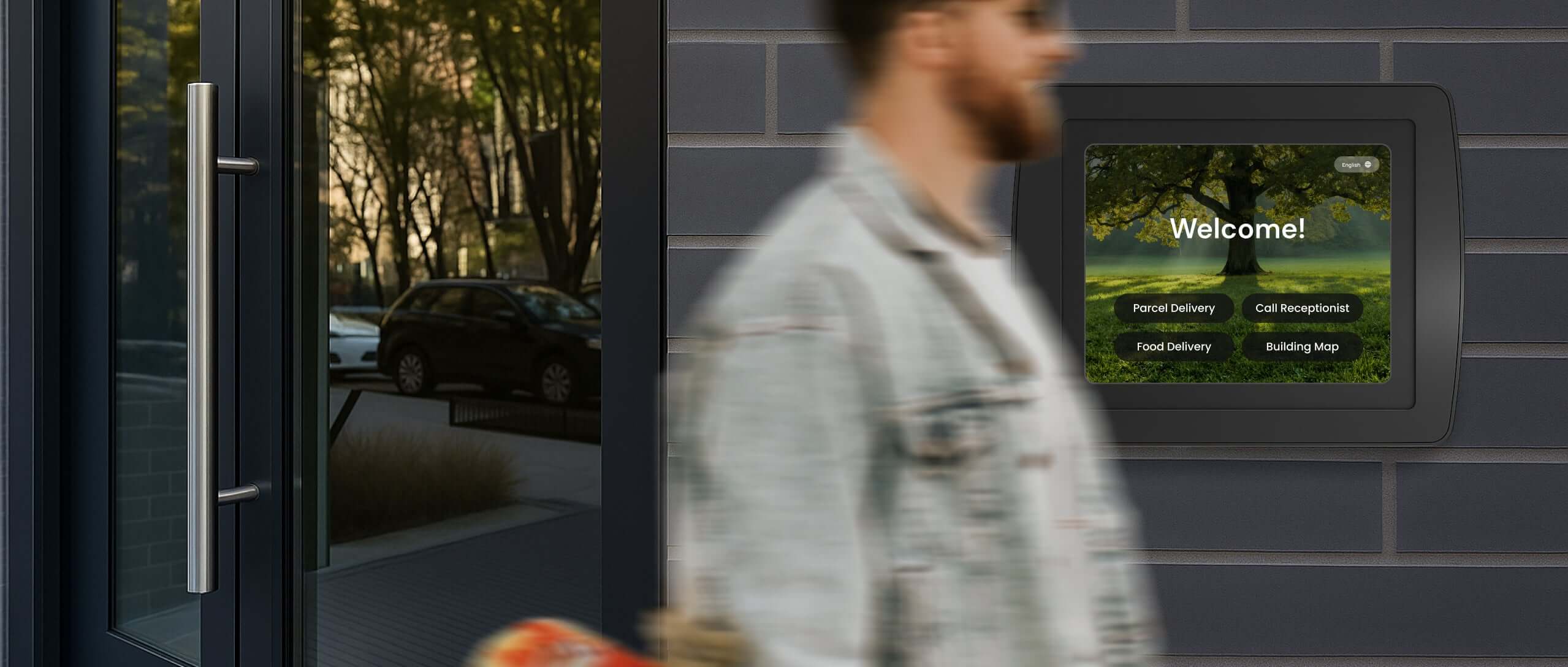

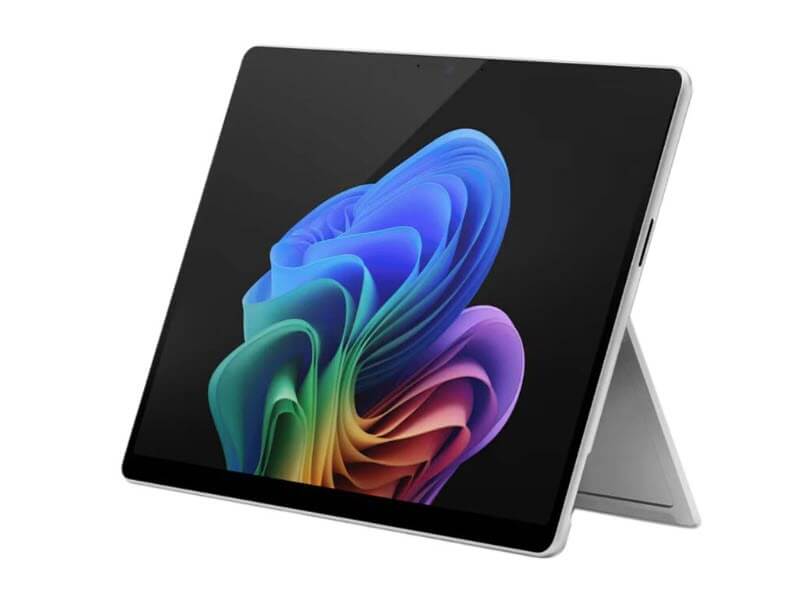
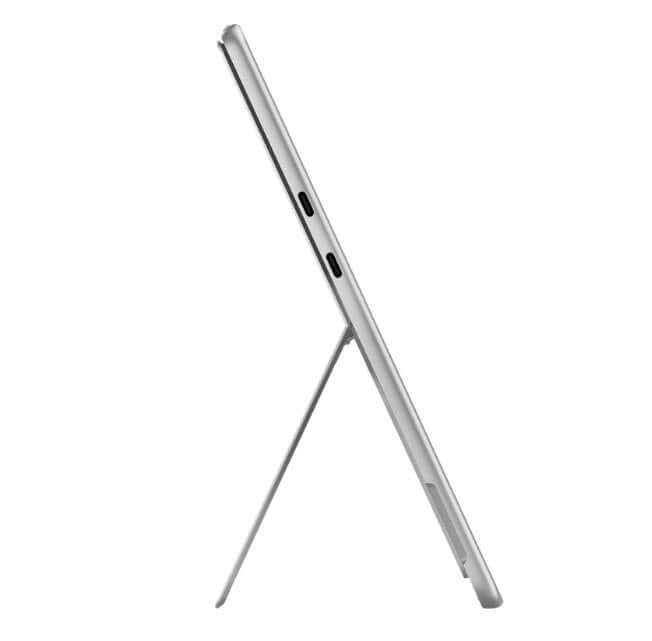
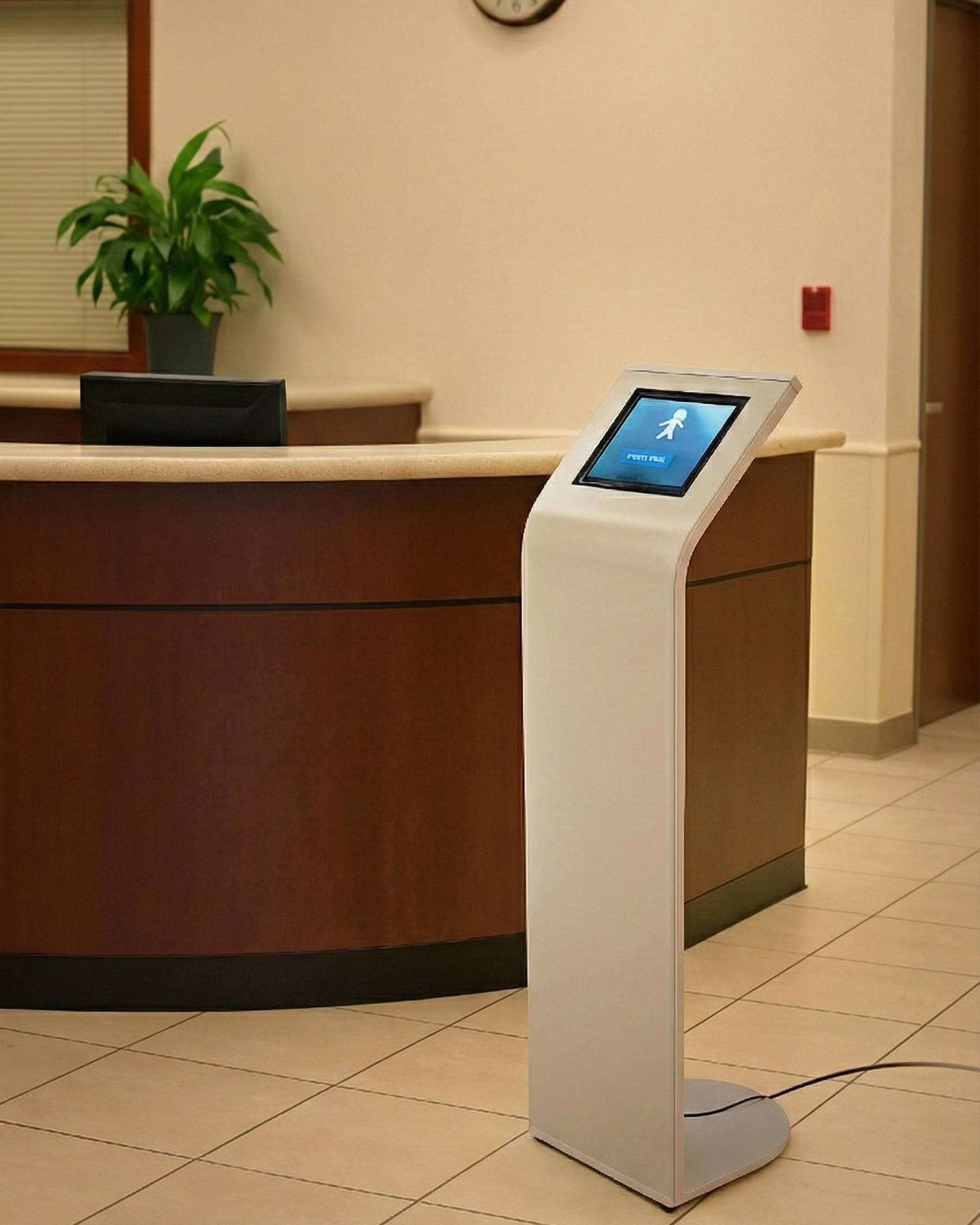
Why Choose a Tablet + Kiosk Combination?
A tablet on its own isn’t built for busy, public environments. When paired with a professional kiosk enclosure, it becomes a secure, durable, and customer-ready solution for real-world use.
The tablet + kiosk combination gives you:
- Built-in security for public and unattended use
- Clean, professional presentation with hidden cables
- Stability and durability for high-traffic spaces
- Flexibility for many uses like POS, check-in, self-service, and digital displays
- Lower setup cost compared to bulky traditional kiosks
With everything designed to work together, this all-in-one setup lets you deploy faster, look more professional, and adapt easily as your needs grow.
If you want a simple way to turn a tablet into a reliable business tool, this combination is the easiest way to start.
FAQ
What is the difference between a kiosk and a tablet?
A tablet is a standalone consumer or enterprise device, while a kiosk is a complete hardware solution that securely houses, powers, and mounts the tablet for public or commercial use. Armodilo kiosks add physical security, cable management, continuous charging, mounting options, and durable construction—transforming a tablet into a fully functional self-service station for business environments.
What are enterprise devices?
Enterprise devices are commercial-grade tablets designed for continuous, high-use environments such as retail, healthcare, hospitality, and manufacturing. Compared to consumer tablets, enterprise devices offer longer product life cycles, enhanced durability, consistent model availability, and stronger device management support—making them ideal for kiosk deployments.
What is the best tablet for a small business POS system?
The best tablet for a small business POS system is one that is durable, commercially supported, and compatible with your POS software. Many businesses choose enterprise Android tablets for their reliability and long-term availability. Armodilo currently offers kiosk configurations for the Samsung Galaxy Tab Active 5, and additional tablet models may be supported upon request.
How to set up a tablet as a kiosk?
To set up a tablet as a kiosk with Armodilo:
- Choose the right kiosk enclosure or stand (freestanding, wall-mounted, or countertop).
- Insert your tablet for a precise, secure fit.
- Route power/data cables through the enclosure for a clean, continuous connection.
- Mount or place the kiosk securely in the desired location.
- Enable kiosk mode (single-app or restricted access) via the tablet’s OS or MDM software. Armodilo handles the hardware; software configuration is done on the tablet.
Which kiosk is best?
The best kiosk depends on your space, workflow, and use case:
- Freestanding kiosks (like ALUR) are ideal for public-facing installations with stability and integrated cable routing.
- Wall-mounted or countertop kiosks (like Keyo) save floor space while providing secure mounting.
- Desktop kiosks are compact and flexible for smaller counters or temporary setups.
Choose the kiosk that fits your tablet, traffic volume, and environment.
Which tablets does Armodilo support for kiosk use?
Armodilo enclosures support a wide range of tablets, including the Samsung Galaxy Tab Active 5. Other models (iOS, Android, Windows) may also fit using the modular Fit Kit™ system. Contact Armodilo via live chat or email to confirm compatibility for other tablet modes.
How do I know if my tablet will fit inside an Armodilo kiosk?
Each Armodilo kiosk uses a Tablet Fit Kit™ designed for precise dimensions. Combined with internal cable management, it ensures the tablet fits securely, stays charged, and maintains a professional appearance. If your tablet is not listed, reach out via chat or email to confirm compatibility.
Can I upgrade my tablet later without replacing the kiosk?
Yes. Armodilo’s modular design allows you to swap tablets by updating the Fit Kit™ only — keeping your kiosk stand or enclosure in place. This ensures your investment is future-proof and reduces the need for full hardware replacement.