
Filters
13 products
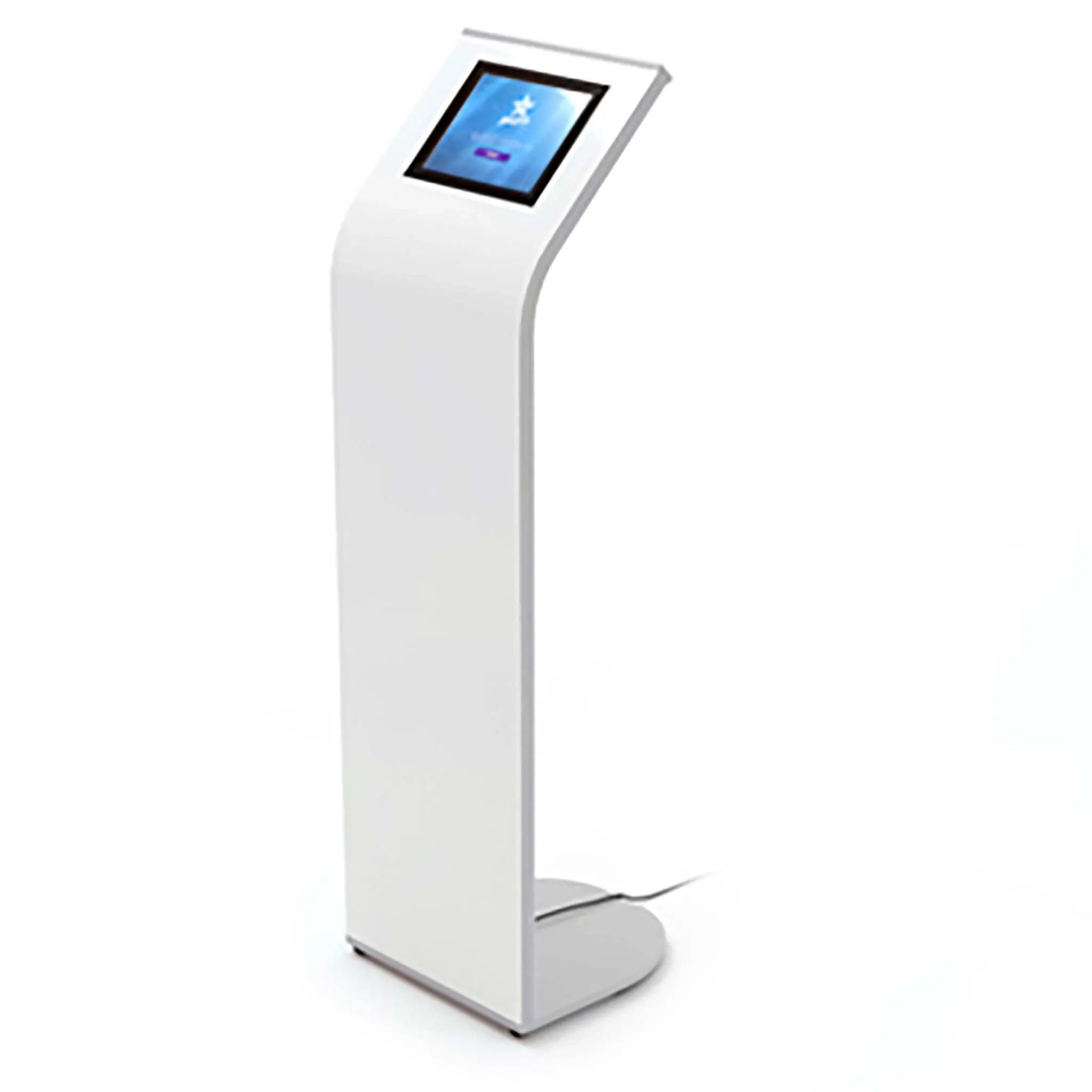
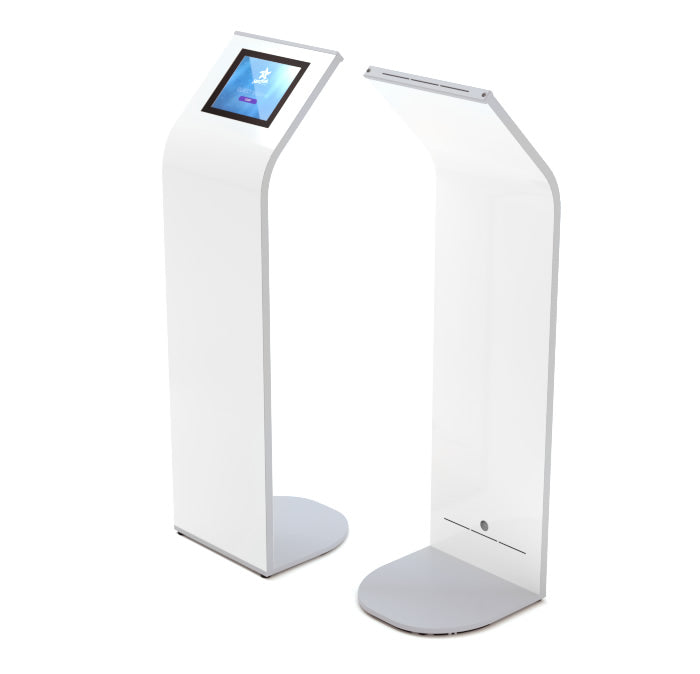
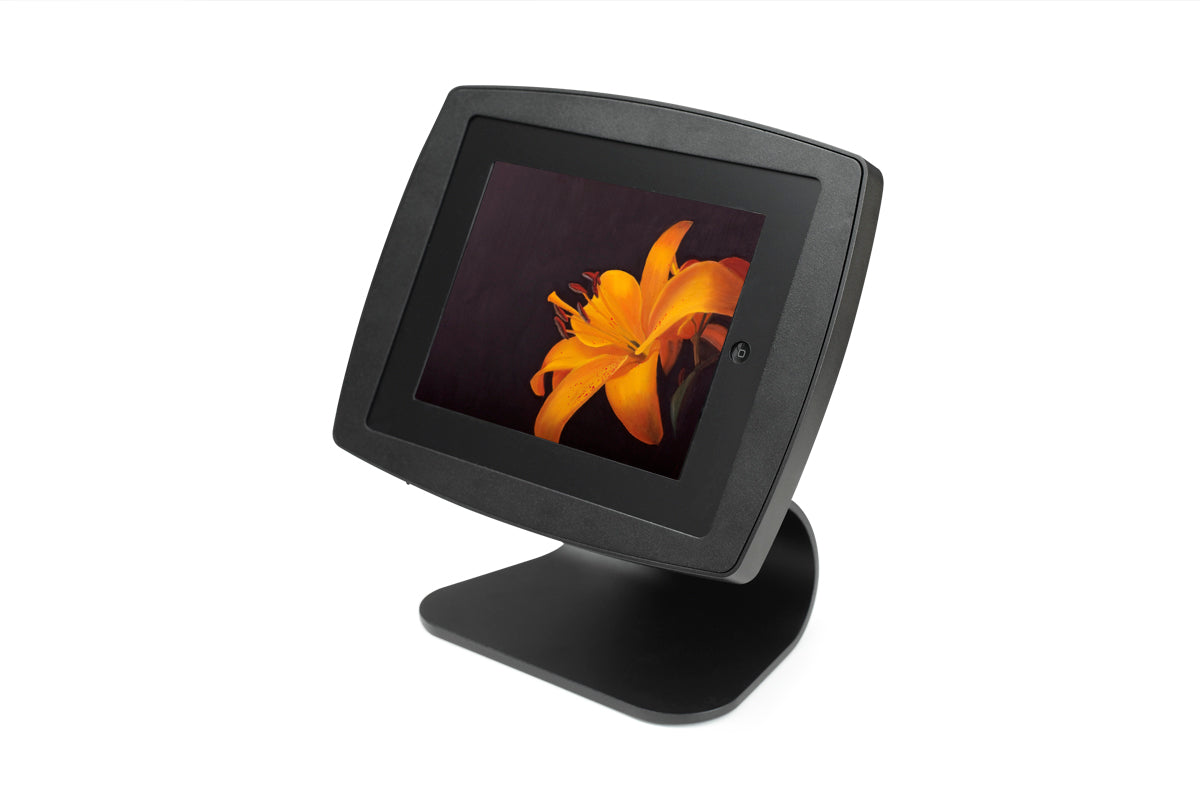
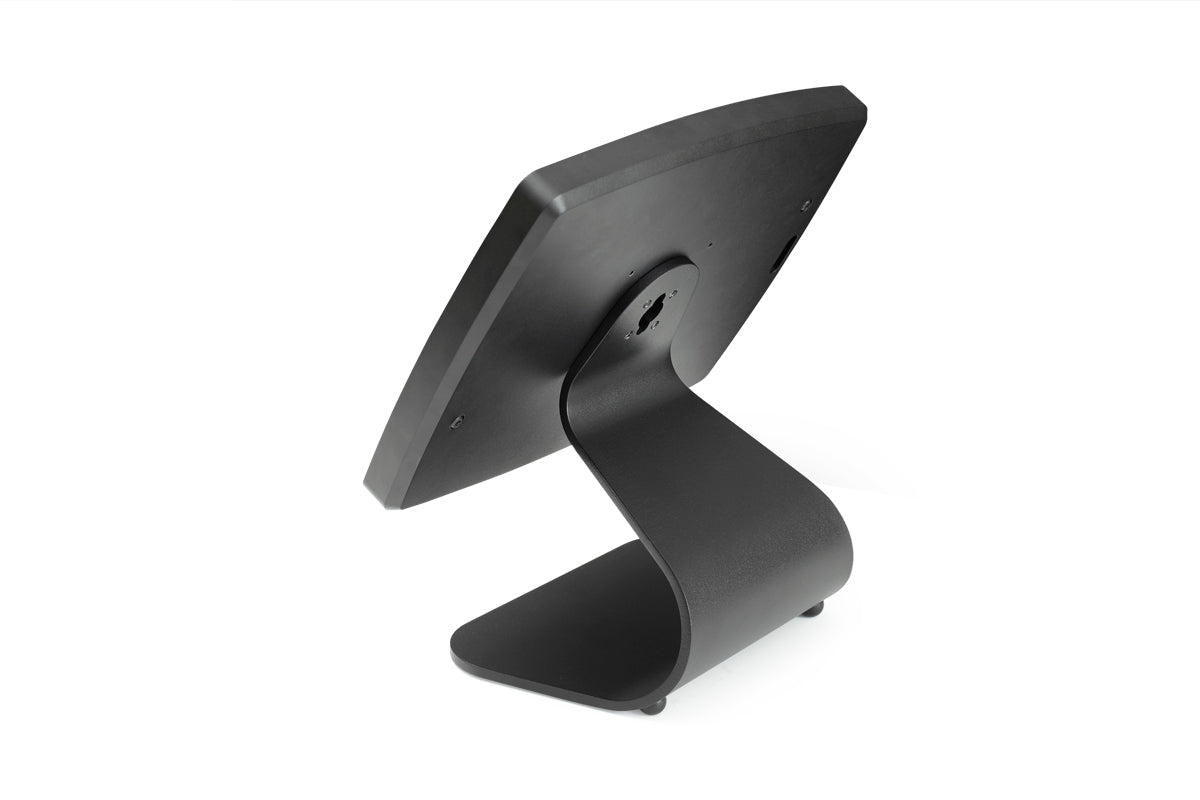
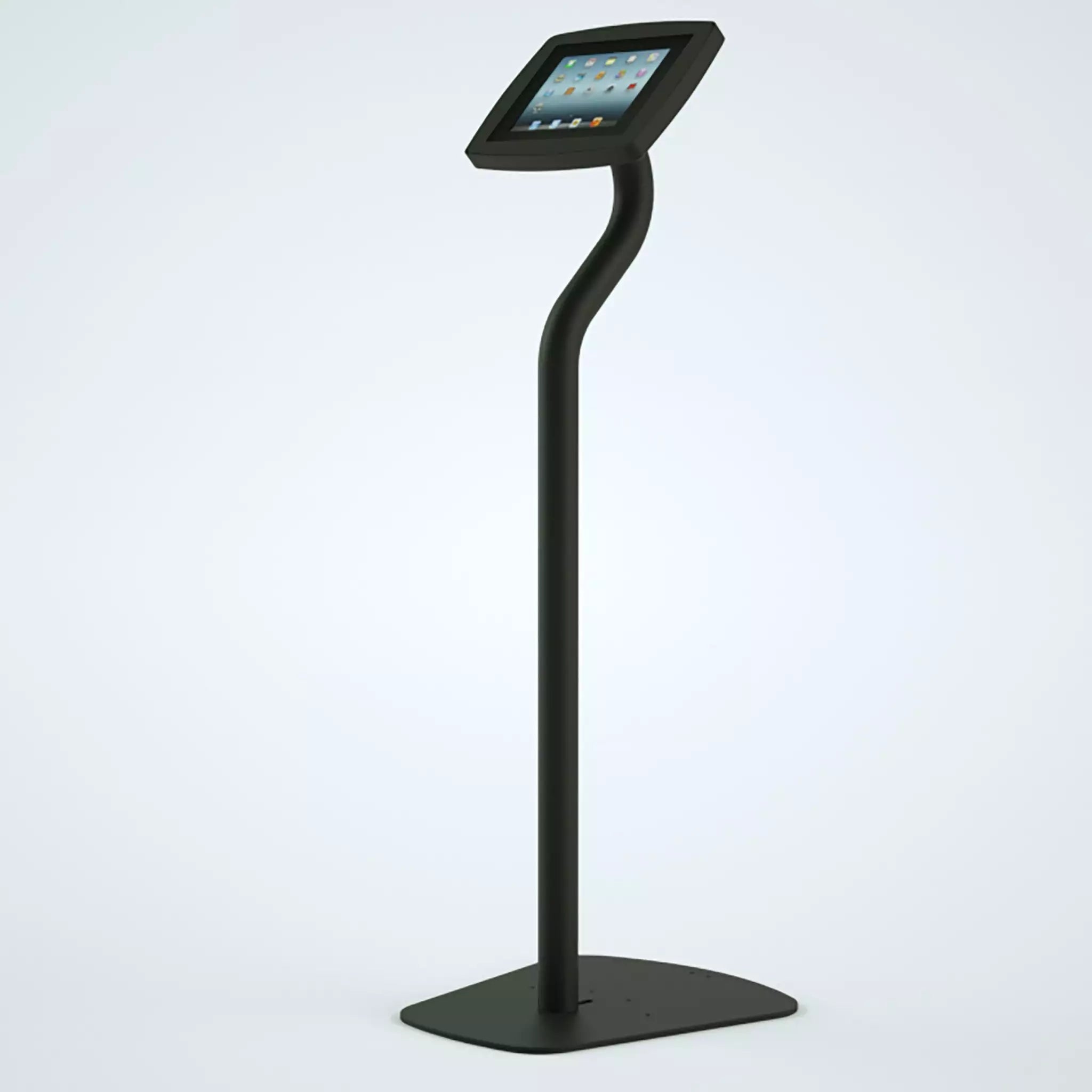
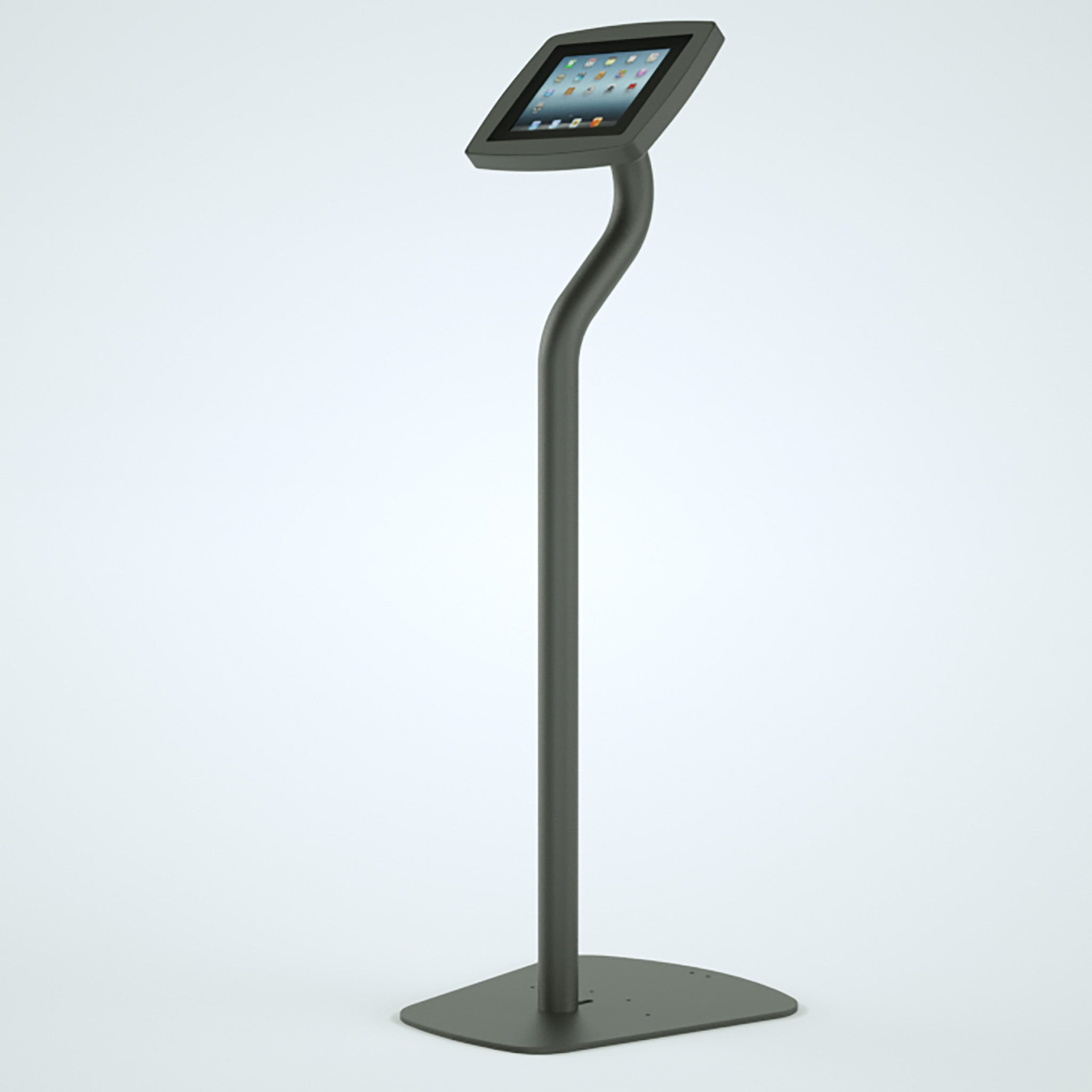
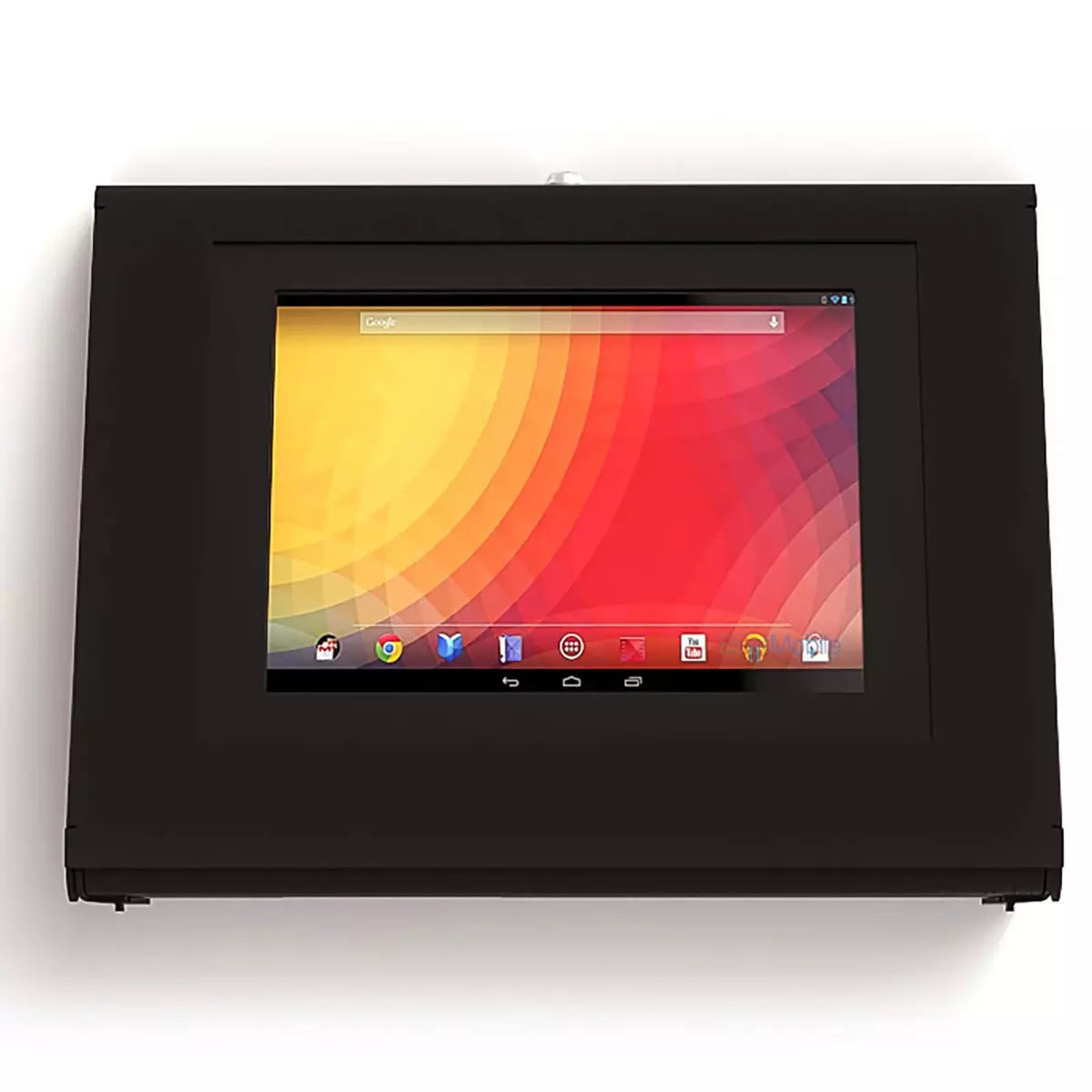
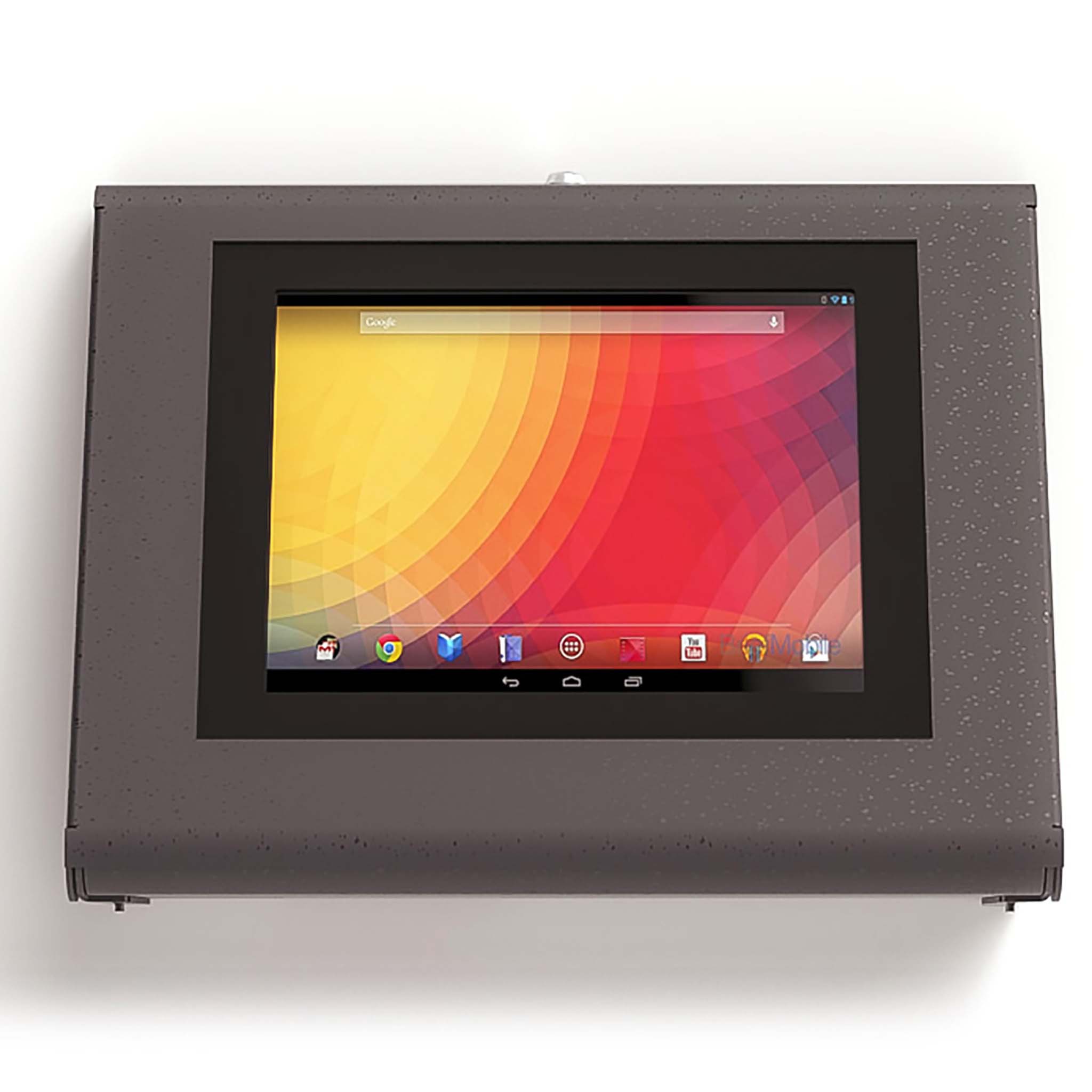
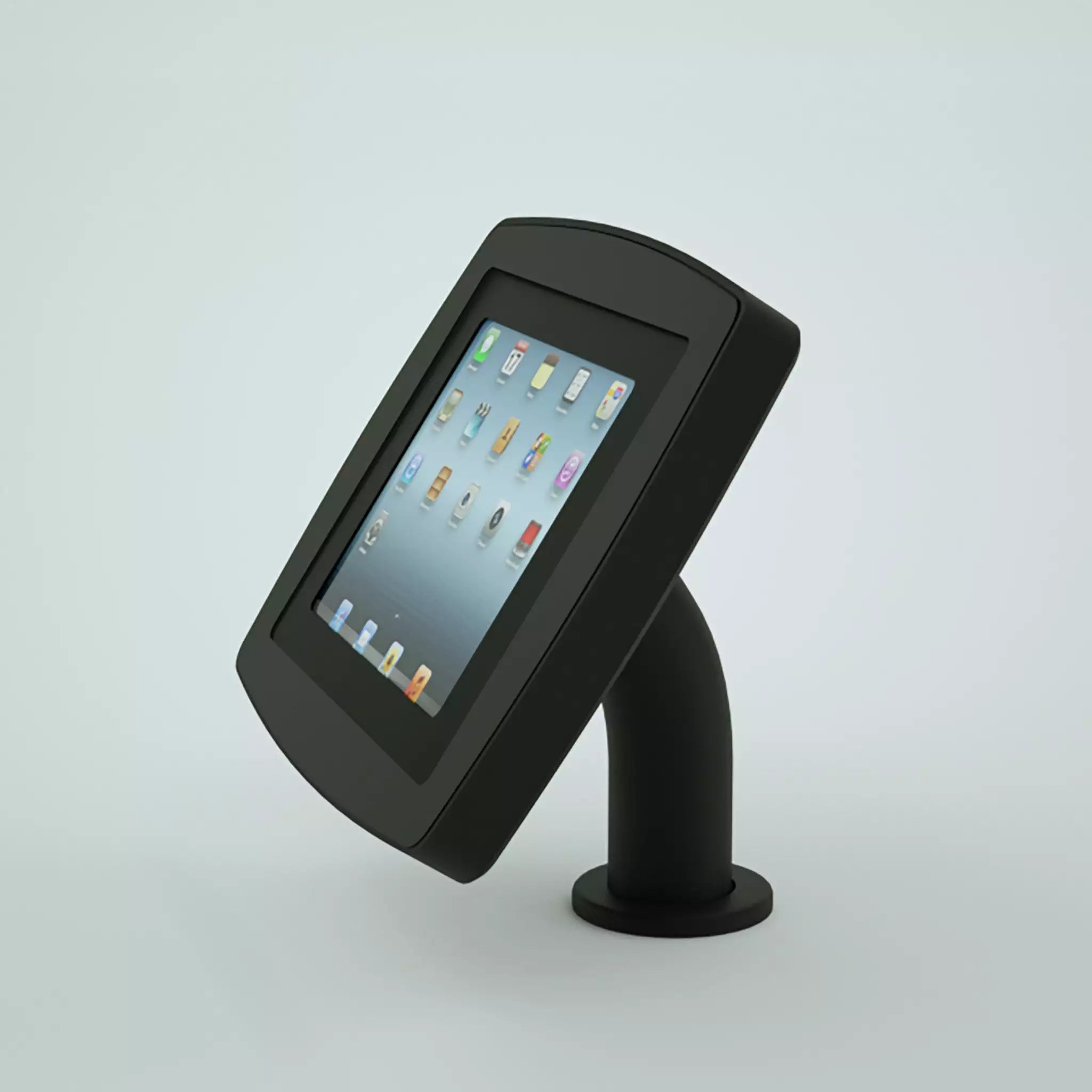
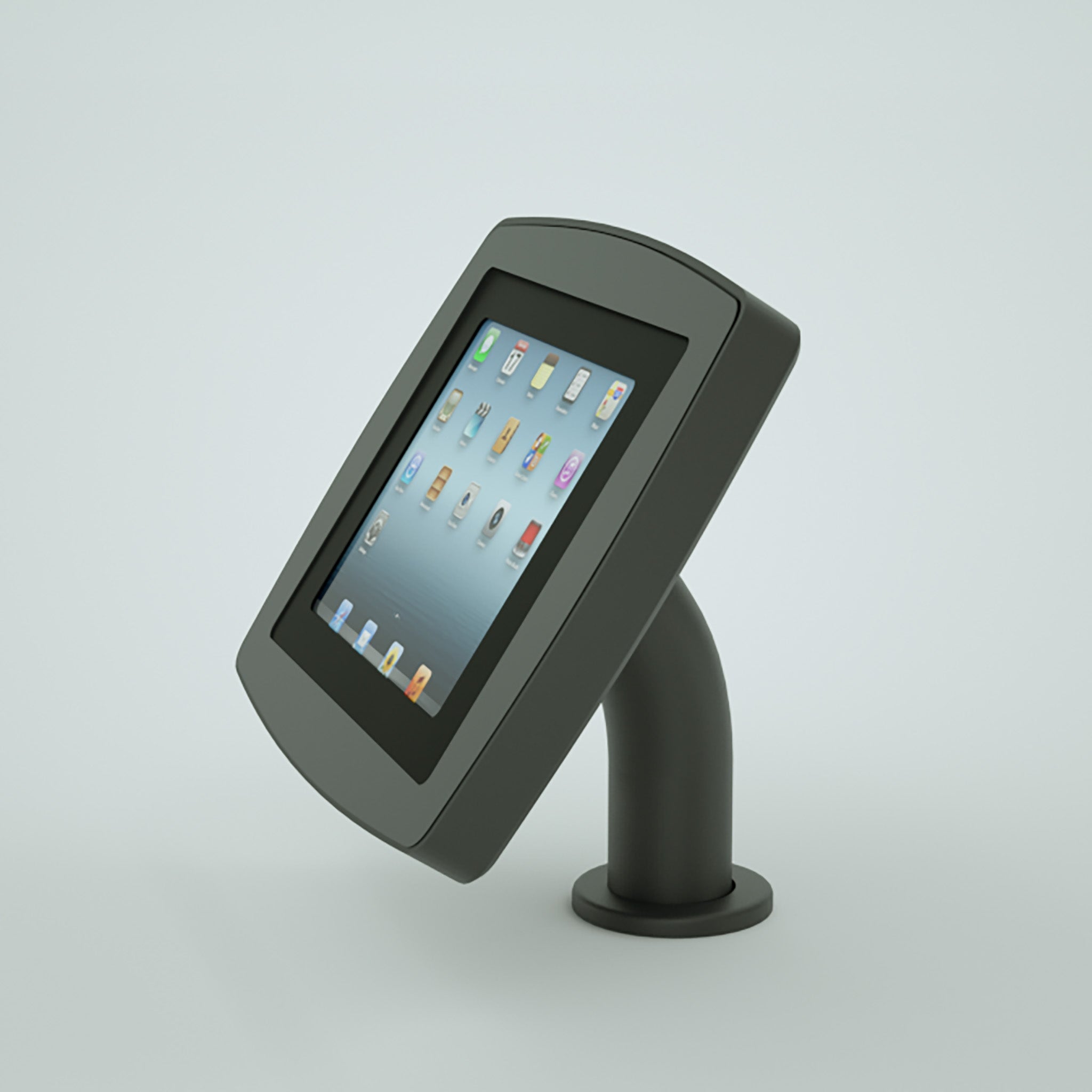
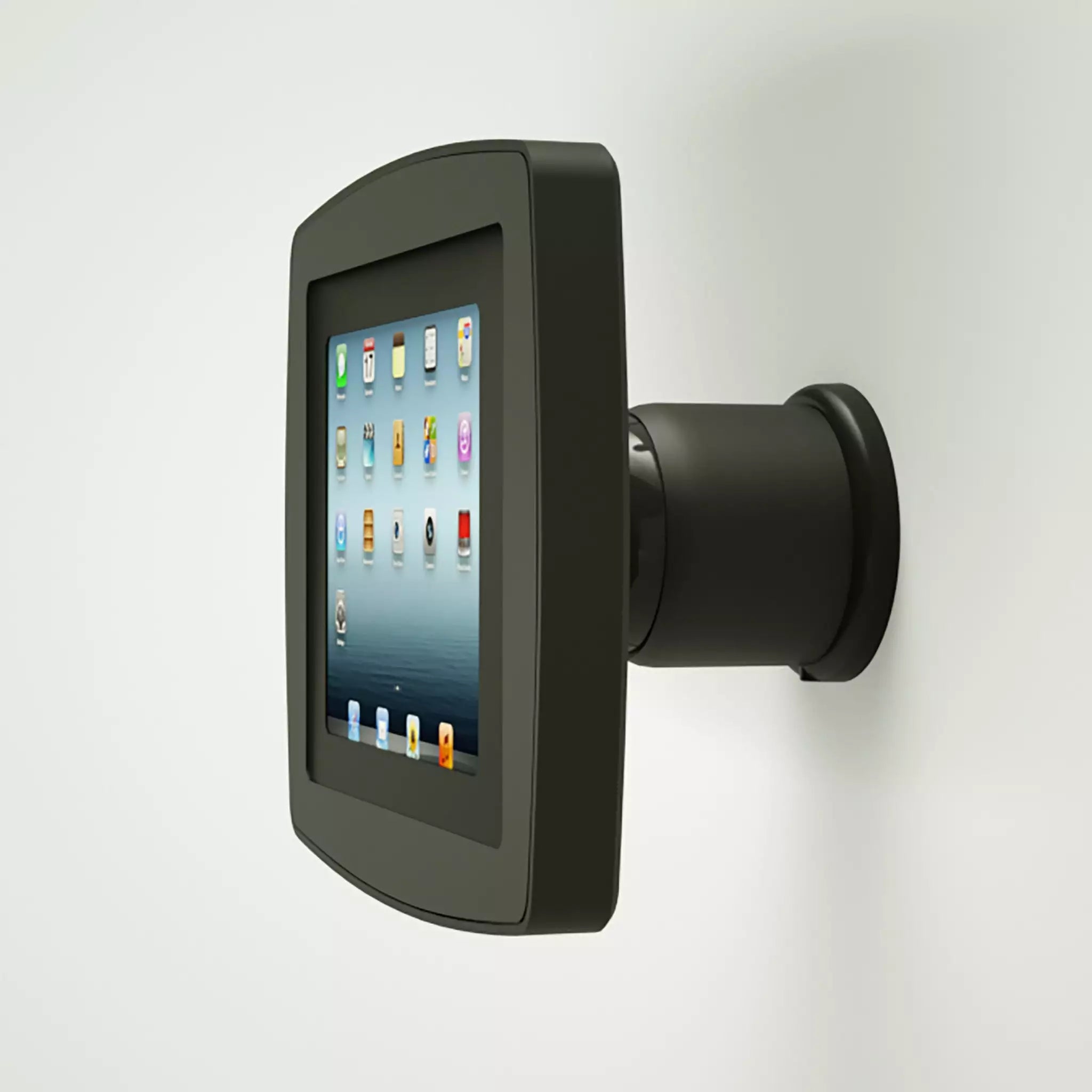
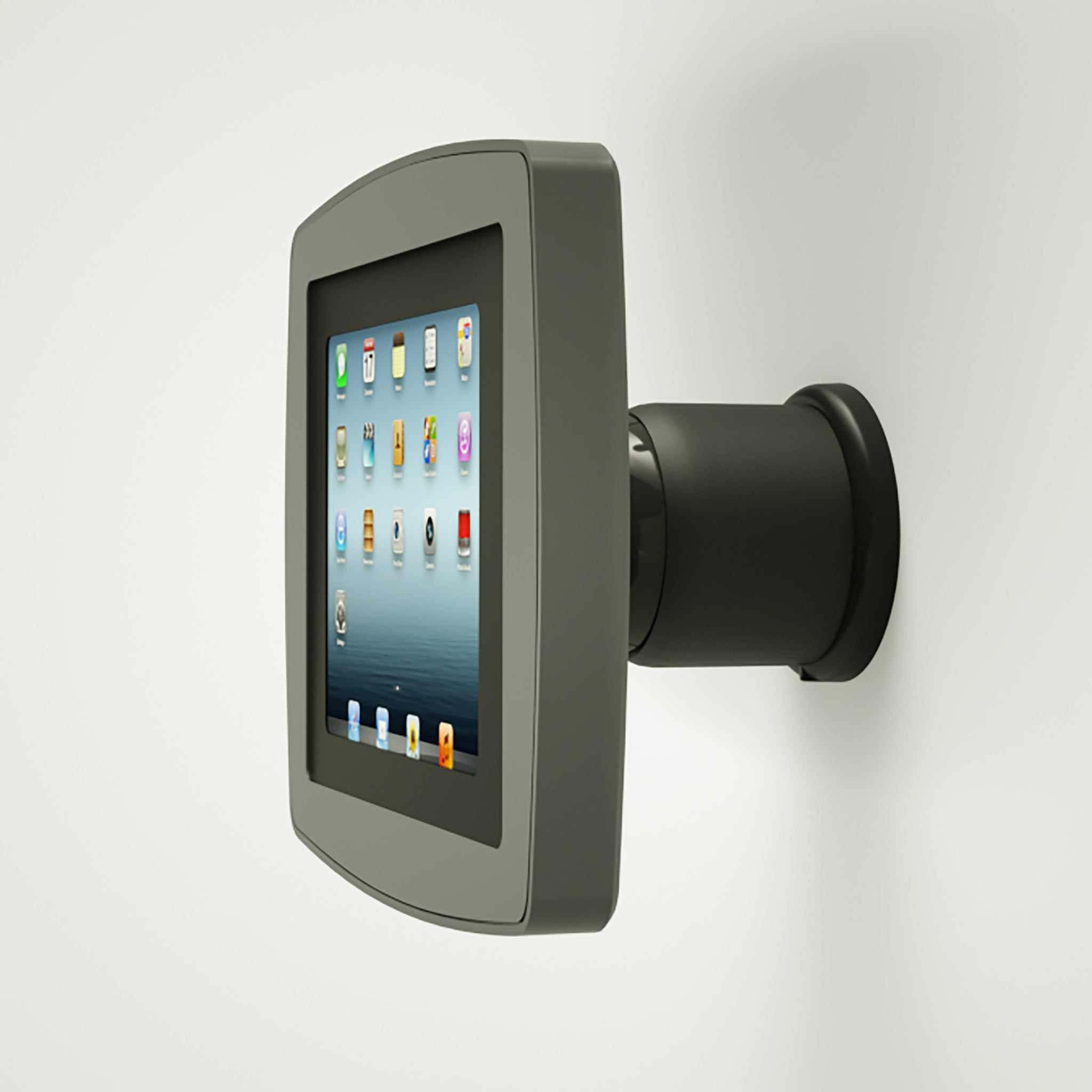
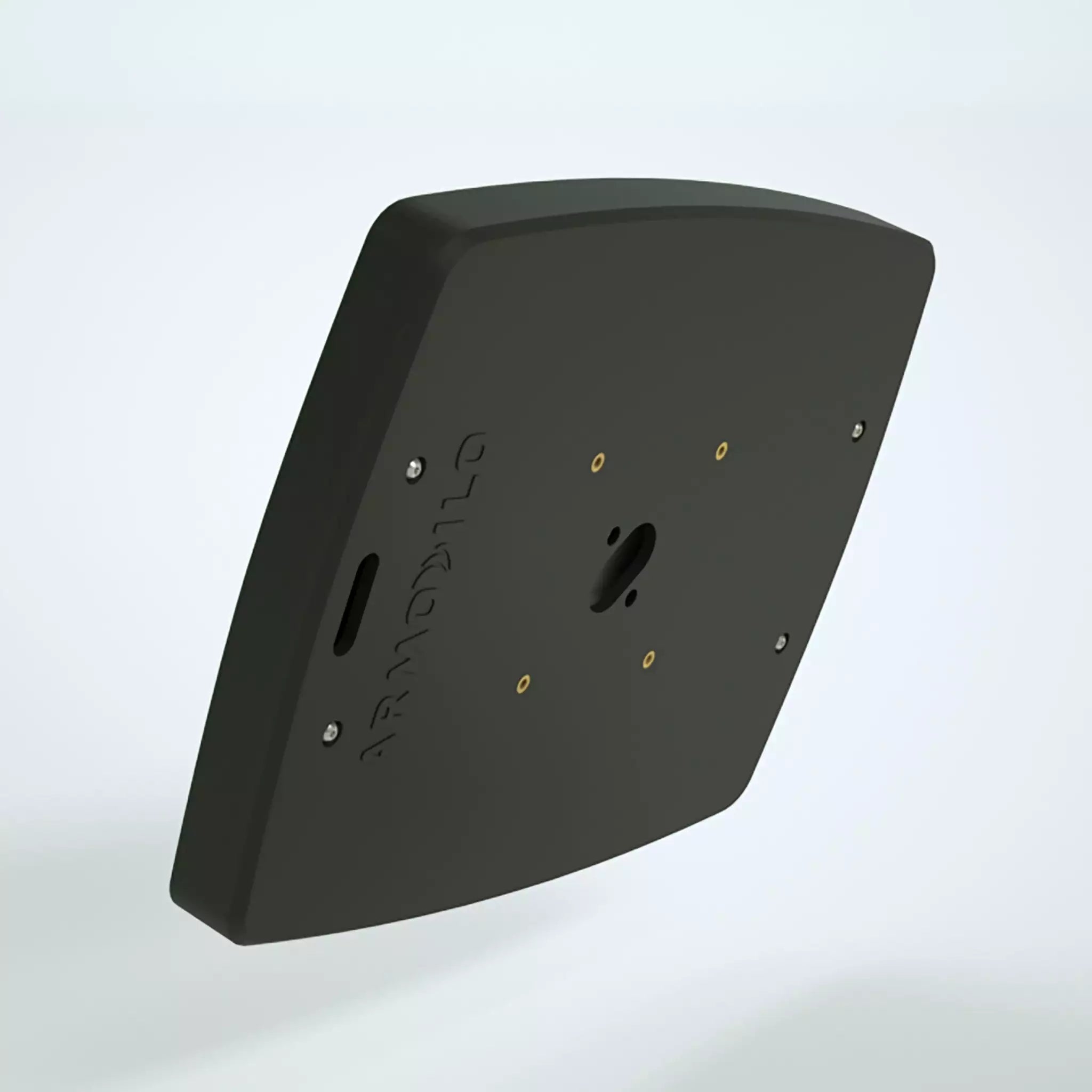
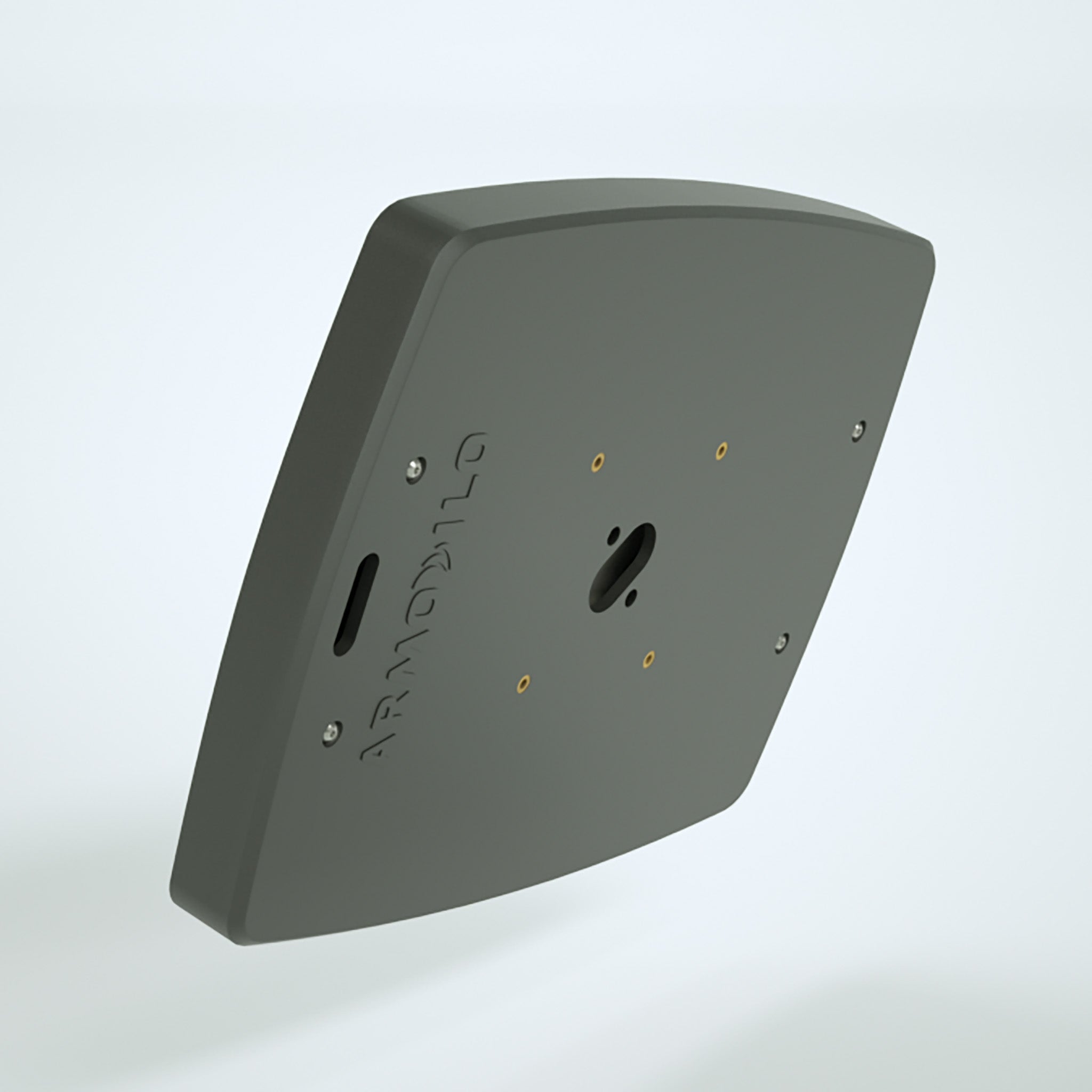
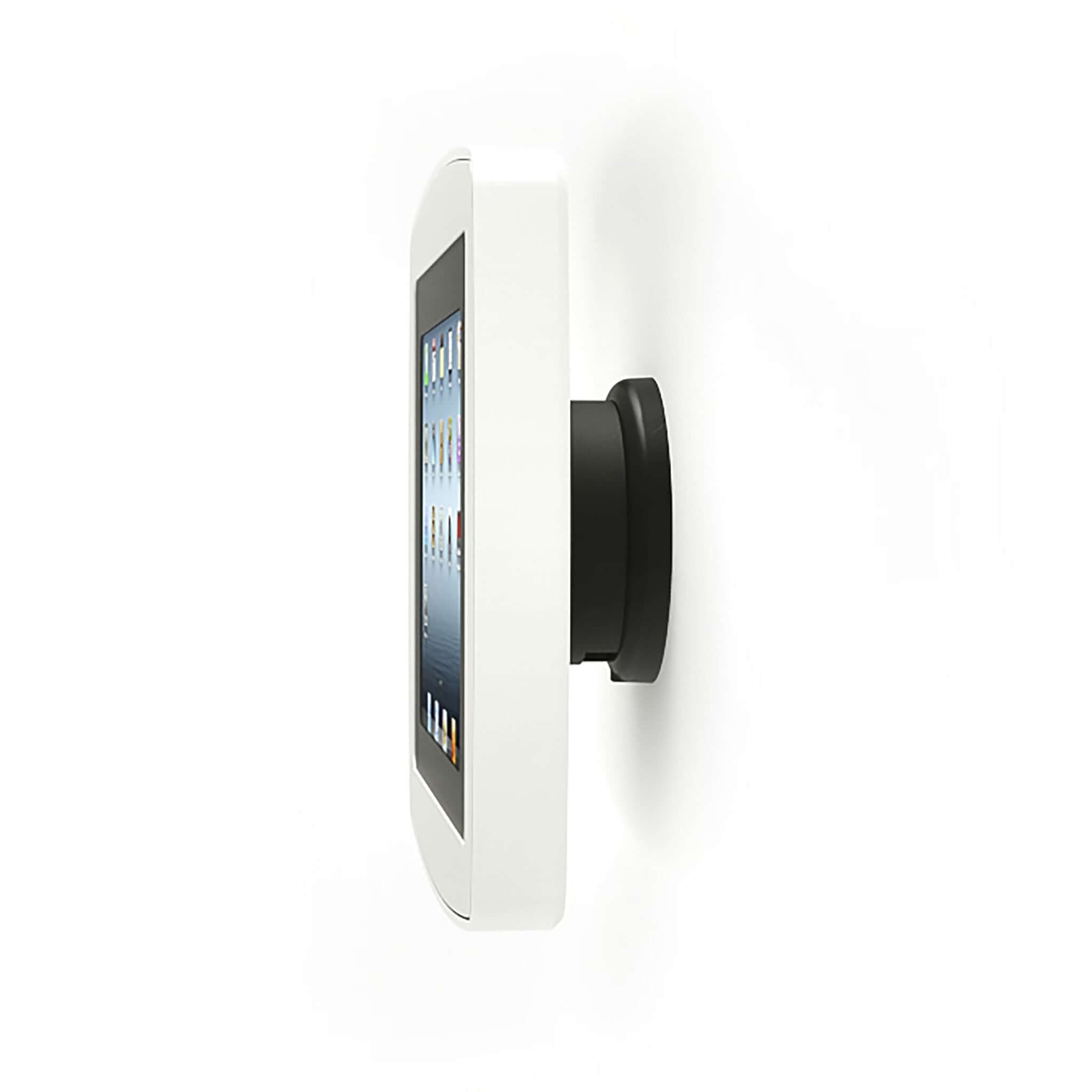
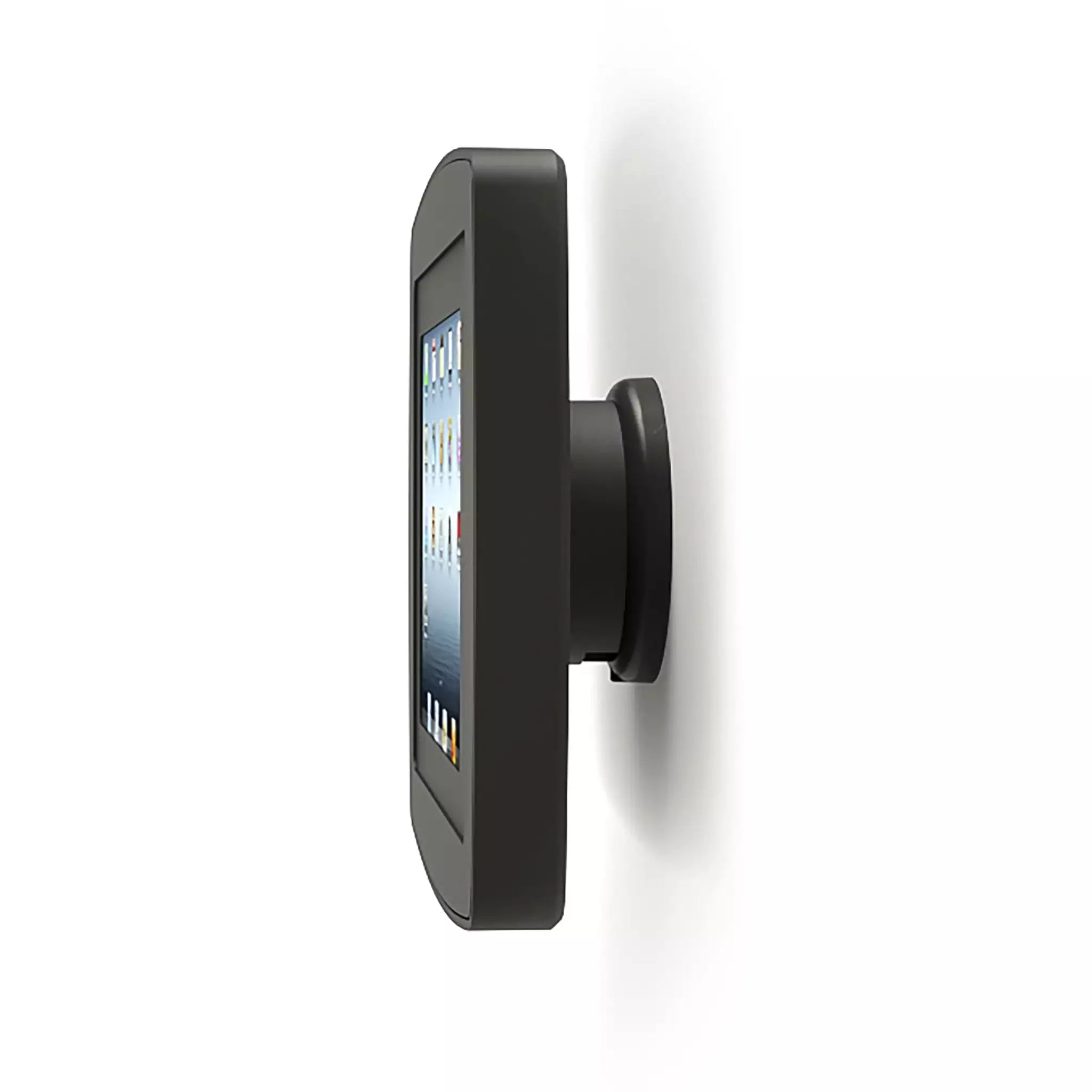
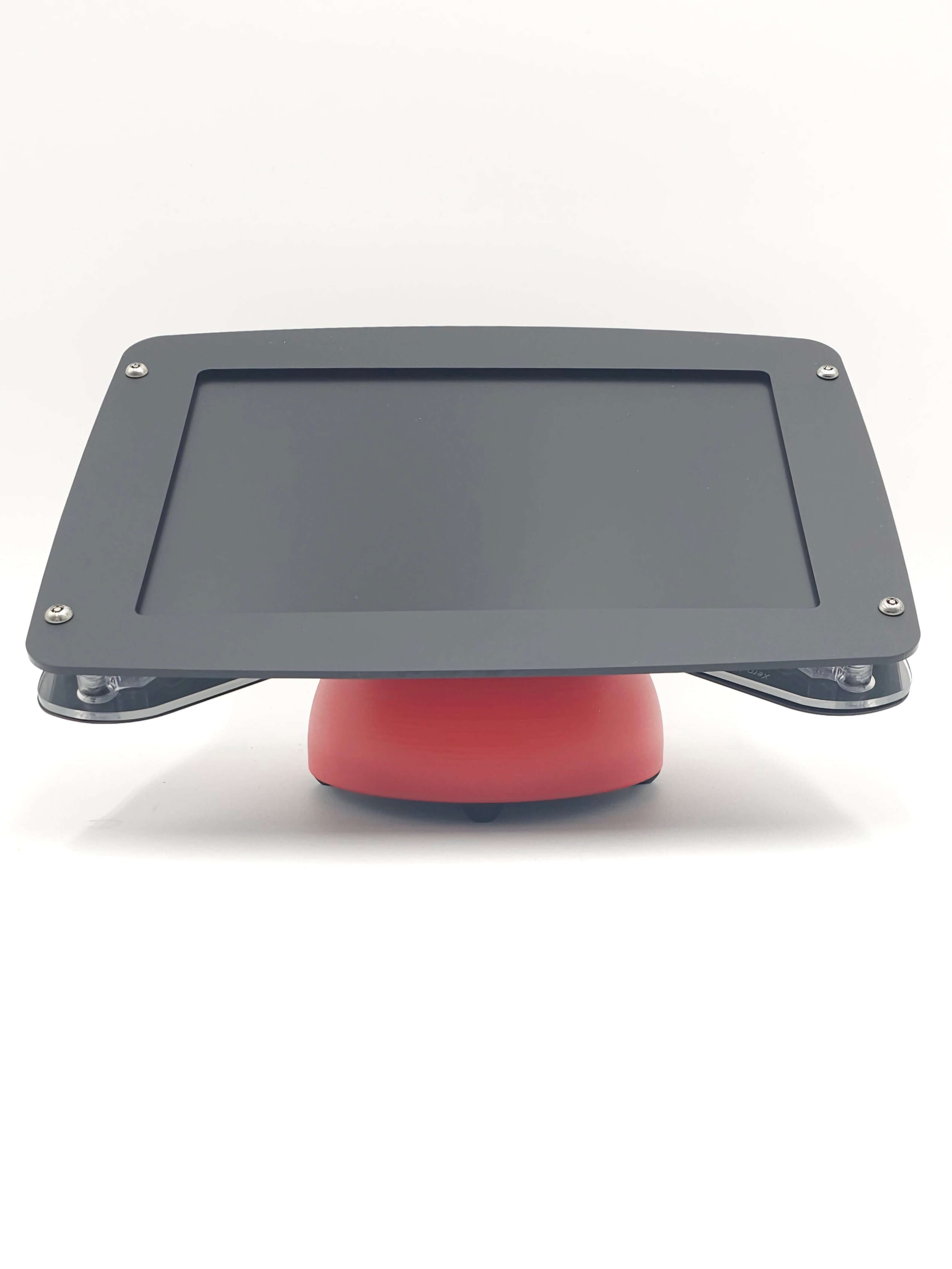
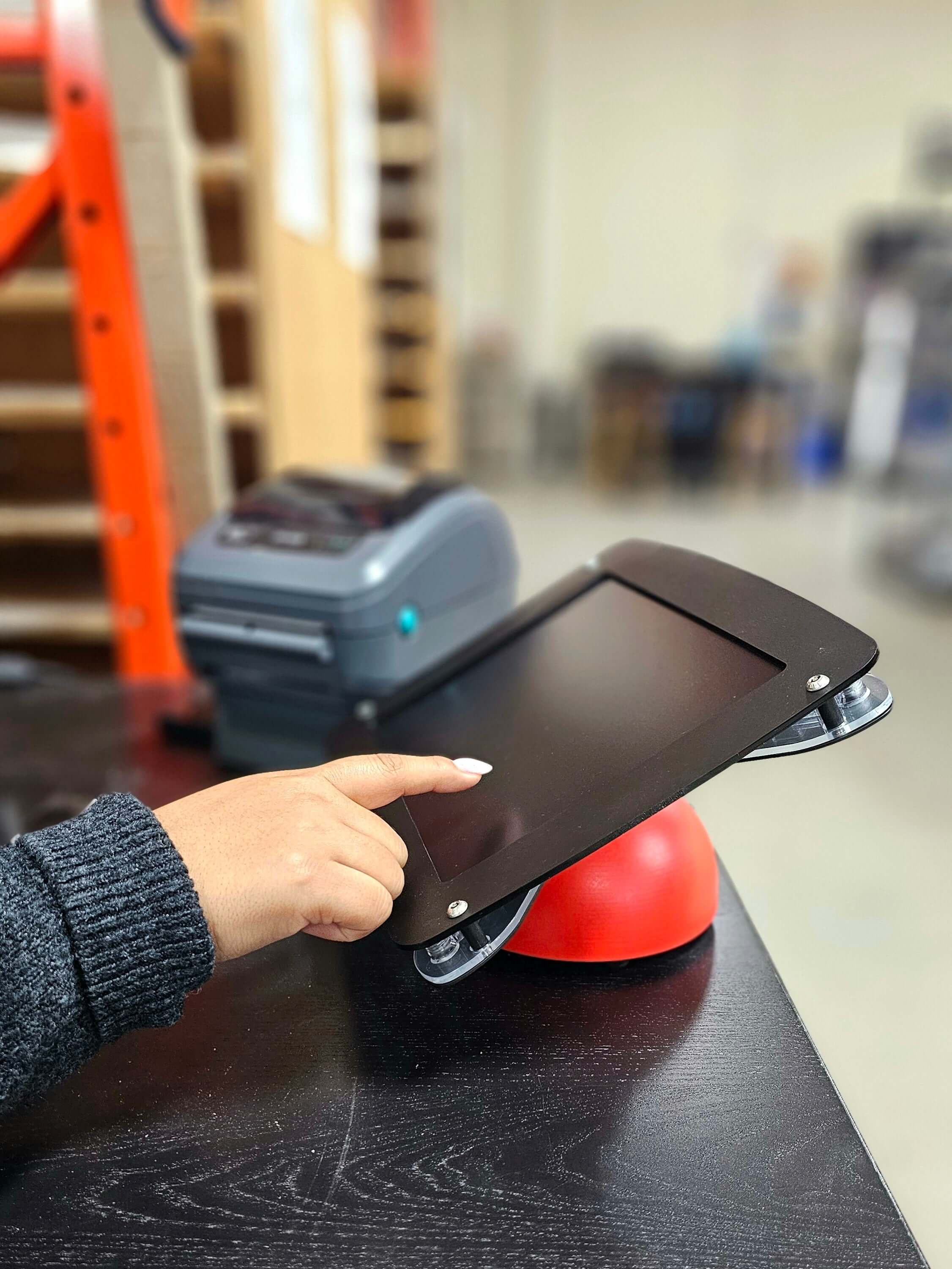
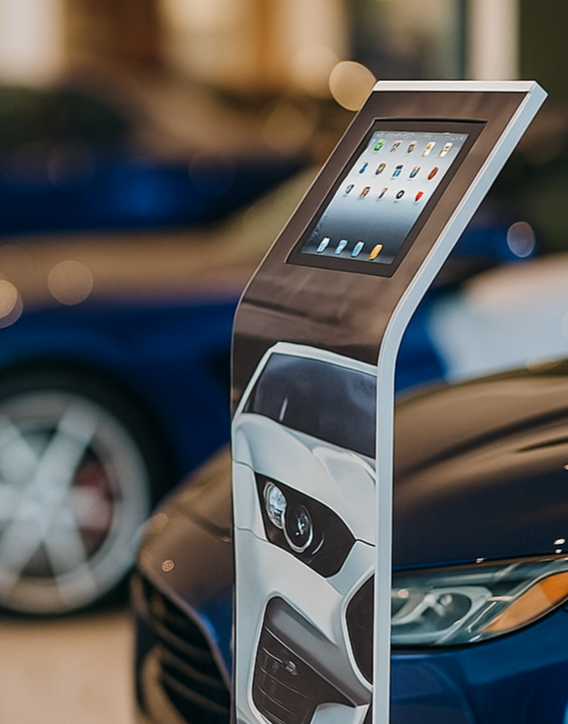
Why Choose Tablet Enclosures & iPad Kiosks
Armodilo’s tablet enclosures and iPad kiosks turn standard tablets into secure, professional, and purpose-built interactive stations for commercial environments. Designed for long-term reliability, they are ideal for retail, hospitality, healthcare, corporate offices, and public spaces.
Built with tamper-resistant construction, durable materials, and integrated cable management, these enclosures protect tablets from theft, damage, and unauthorized access while maintaining a clean and organized appearance. Compatibility with iPad, Android, and Windows tablets ensures flexibility across different device types.
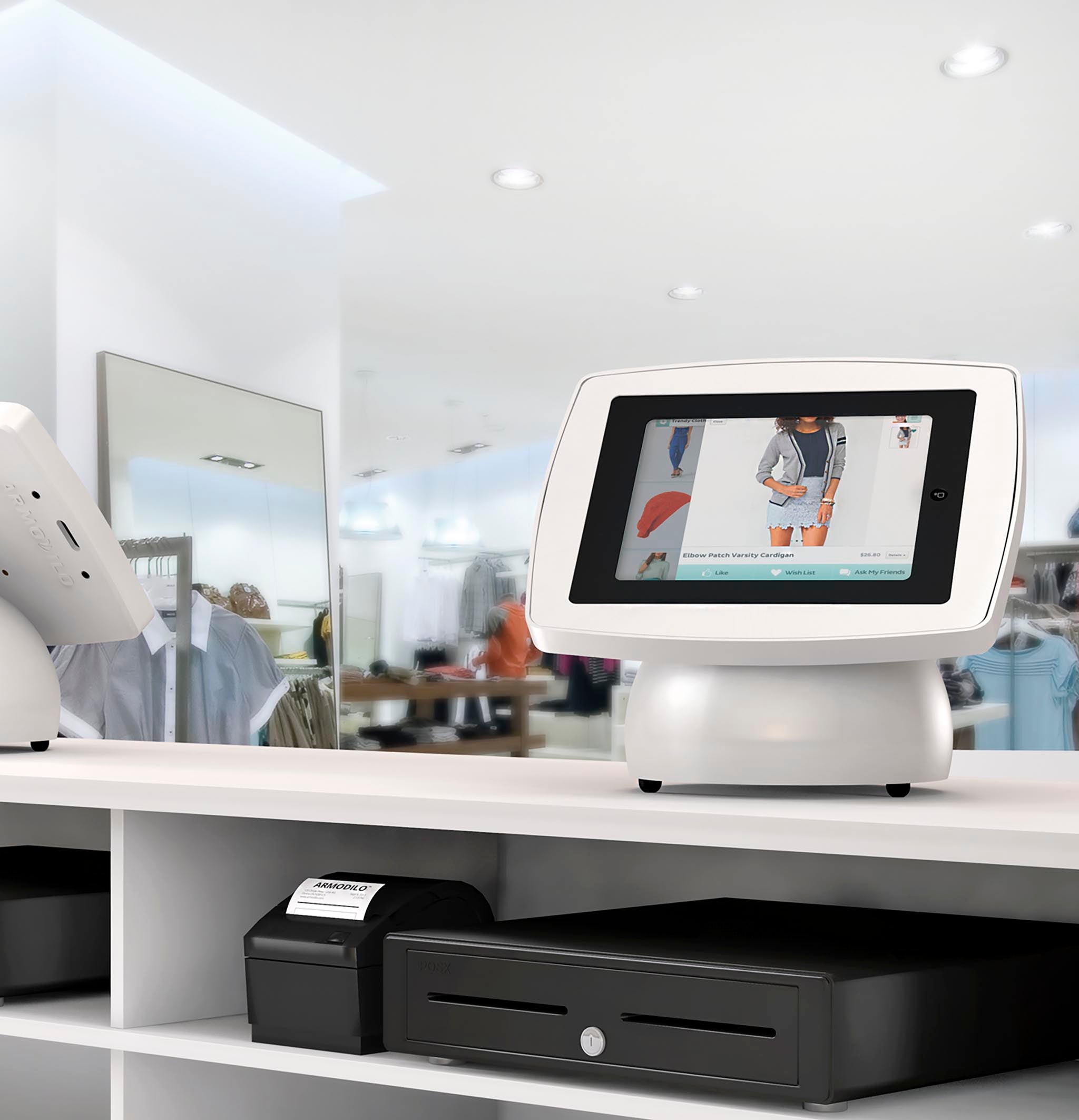
With options for wall mounting, countertop mounting, desktop use, and freestanding kiosks, these solutions adapt easily to your space and user flow. They also support continuous power, peripheral integration, and high-traffic usage for applications such as POS, self-service check-in, visitor registration, and digital signage.
Tablet enclosures and iPad kiosks provide a secure, polished, and scalable foundation for any tablet-based deployment where performance, protection, and presentation matter.
FAQ
Selecting the right tablet kiosk means thinking about compatibility, security, durability, and how your hardware will evolve over time. To help guide your decision-making, here are some of the most common questions organizations consider.
What exactly is a tablet enclosure / iPad kiosk?
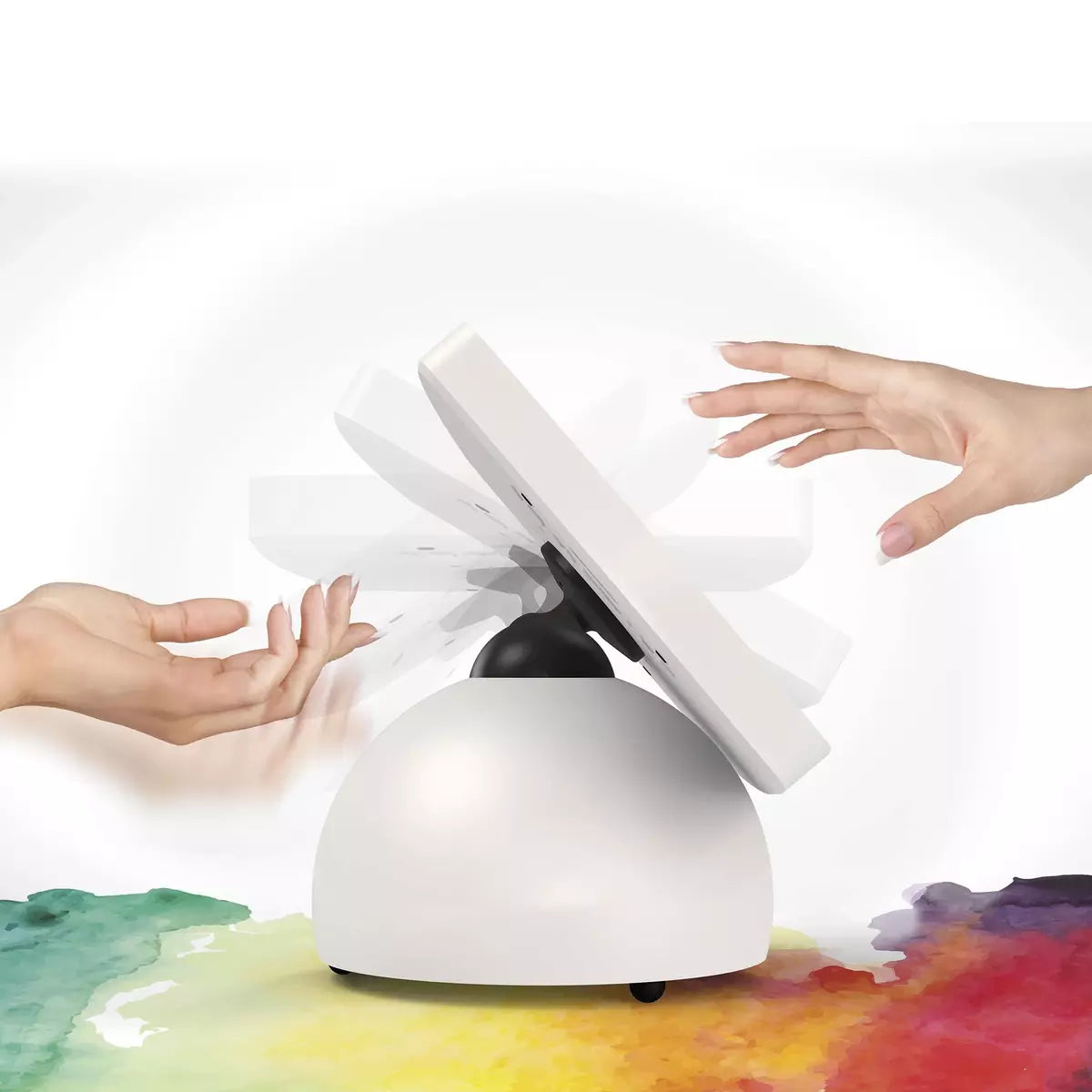
A tablet enclosure (or iPad kiosk enclosure) is a secure, locking housing for your tablet that transforms it into a professional kiosk. Unlike a basic tablet mount or stand, our enclosures provide physical protection, cable management, and mounting flexibility — making them ideal for public-facing or high-traffic environments.
Which tablets work with Armodilo enclosures and kiosks?
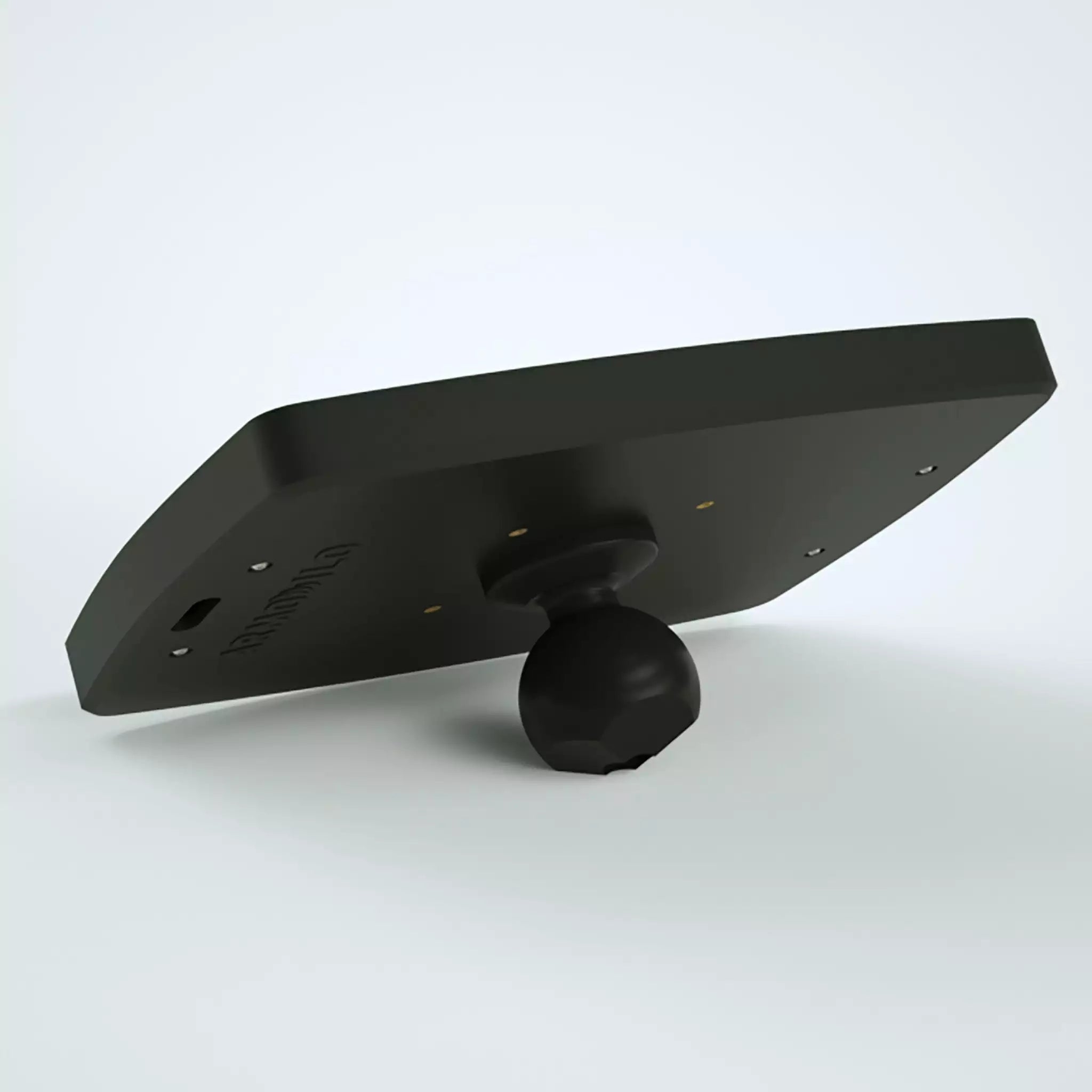
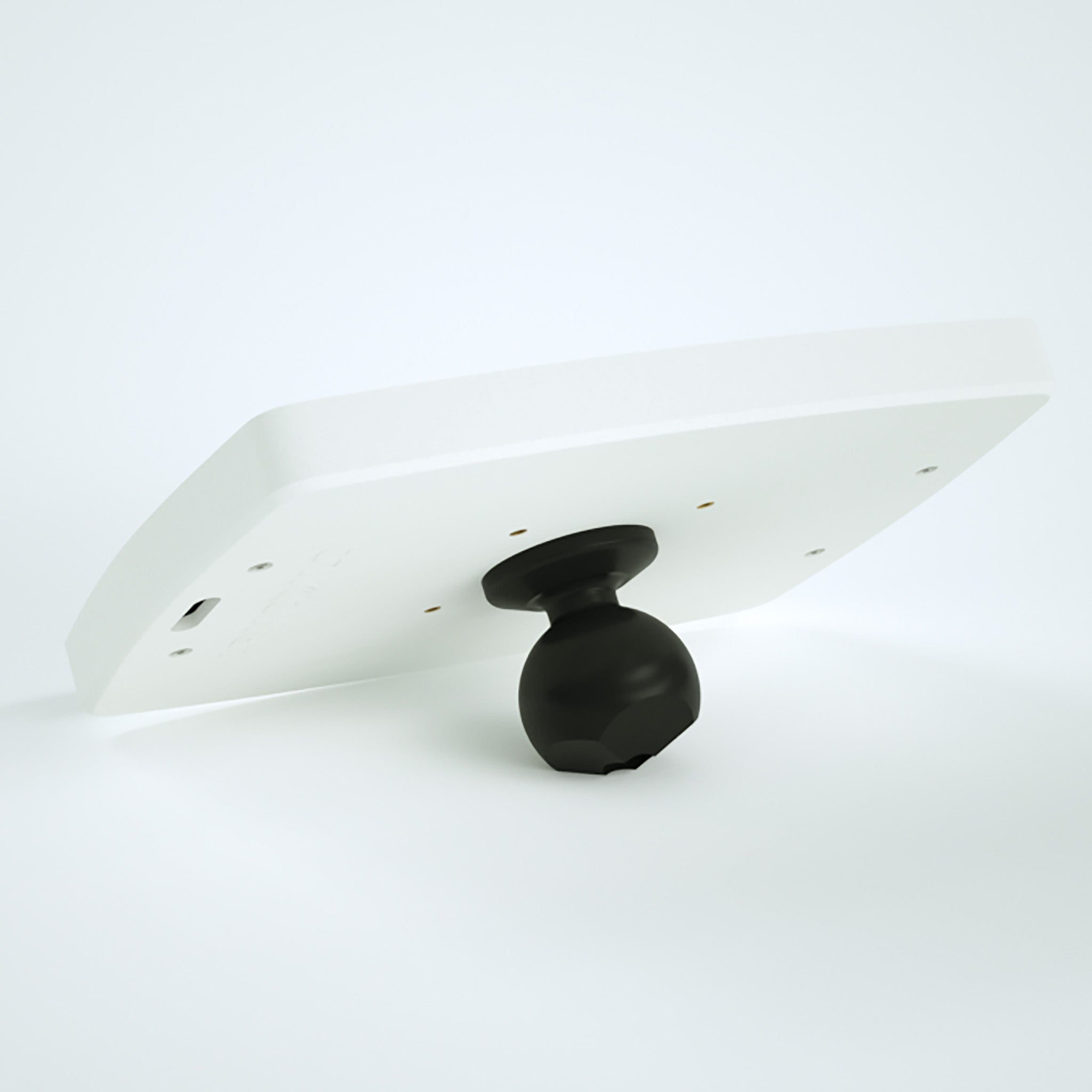
Armodilo’s tablet enclosures support a wide variety of devices, including Apple iPads, Microsoft Surface tablets, and many Android tablets. We use our modular Tablet Fit Kit™ system, which ensures a precise, secure fit for different tablet models. This also allows for easy upgrades later if you switch devices.
What mounting options do you offer (wall, countertop, freestanding)?
Our enclosures are highly versatile. You can mount them on a wall or flat surface, integrate them into countertop or desktop kiosks, or pair them with freestanding stand solutions for floors or mobile deployments. This flexibility allows you to deploy kiosks in retail stores, lobbies, offices, medical clinics, or open public spaces.
Can the tablet still charge and connect to accessories while enclosed?
Yes — our enclosures allow for internal cable routing and power access, enabling continuous charging and peripheral integration (e.g., card readers, scanners, USB hubs). This makes the kiosk functional and ready for extended use without exposed cables.
How do I choose between a wall-mounted enclosure, countertop kiosk, or freestanding stand?
Consider the following when choosing:
- Space: Wall-mounted enclosures save floor space; countertop works for desks or counters; freestanding stands are best for open areas.
- Use case: For check-in or directory style kiosks, wall or countertop is ideal; for POS or interactive displays, freestanding may offer more flexibility.
- User flow: Think about how users approach the kiosk — standing vs. seated, frequency of use, and accessibility needs.
- Peripherals and power: If you need continuous power, card readers, or other attachments, ensure the enclosure you choose supports internal cable routing and peripheral integration.
Does using a tablet enclosure affect Wi-Fi, Bluetooth, or cellular signal?
Not significantly. At Armodilo, we design enclosures to minimize signal interference: the internal Tablet Fit Kit™ ensures the tablet doesn’t touch metal components directly, protecting wireless connectivity while inside the enclosure.